
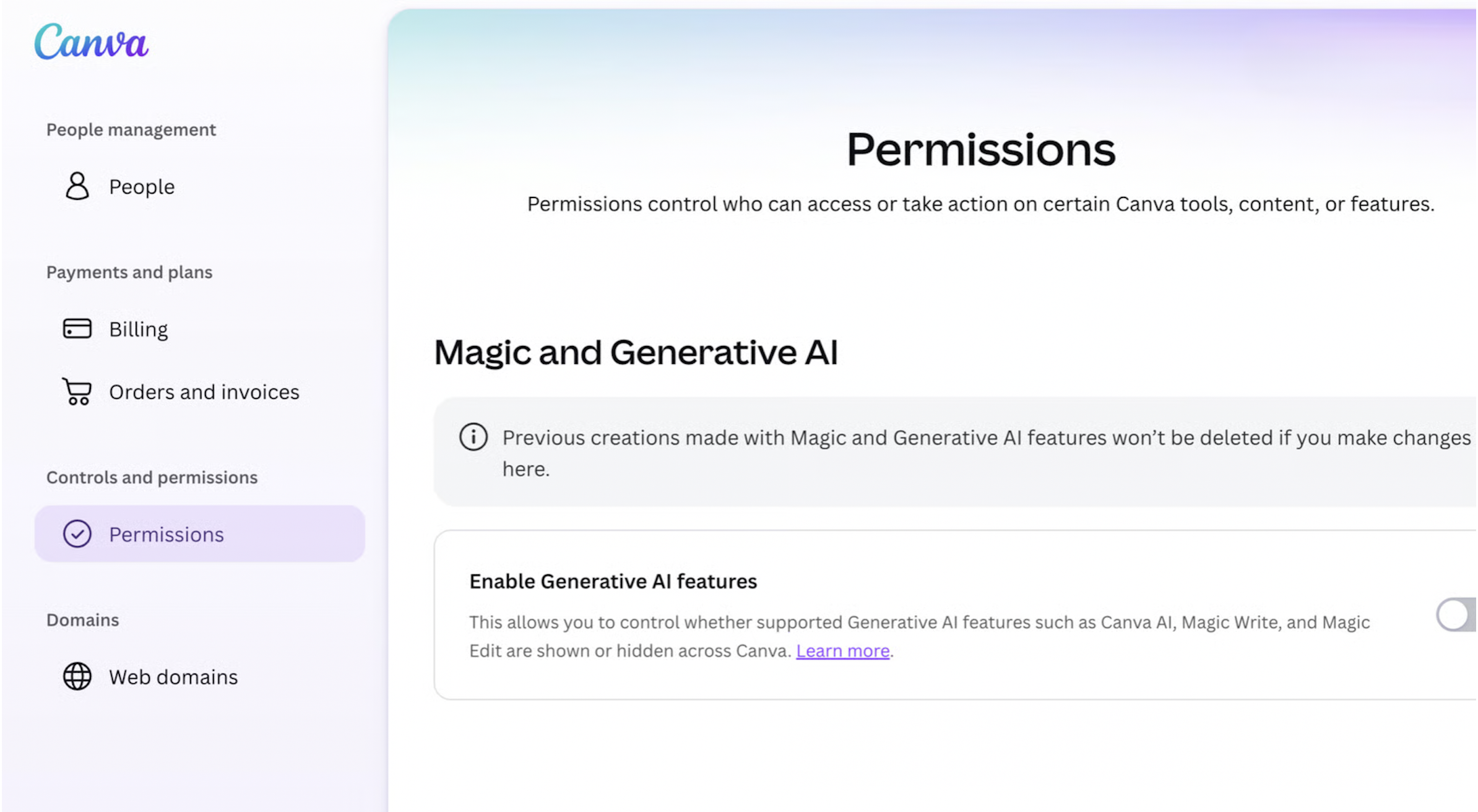
As reported on November 19, 2026, Canva has added a setting that lets free and paid users turn off many of its generative AI features. The switch disables tools including Magic Expand, Magic Write, Magic Design, Magic Edit, Dream Lab and Canva Code. It also turns off image generation through Canva’s chatbot.
The switch does not disable every AI-powered tool. Background remover and Magic Grab, which lets users move an object within an image, remain available. Canva says these tools stay on because they make routine tasks faster “without generating anything new.”
A separate setting lets users see less AI-generated content in Canva’s library. When enabled, it prioritizes human-created templates, graphics and other design elements in search results; it does not remove all AI content. Canva says a “small portion” of the library is AI-generated and that designs using those elements carry an AI label in their metadata.
To turn off the generative features, go to Profile → Settings → Permission and switch off Enable generative AI features. To prioritize human-created library content, go to Profile → Your account → AI personalization and turn on the option to show less AI content.