
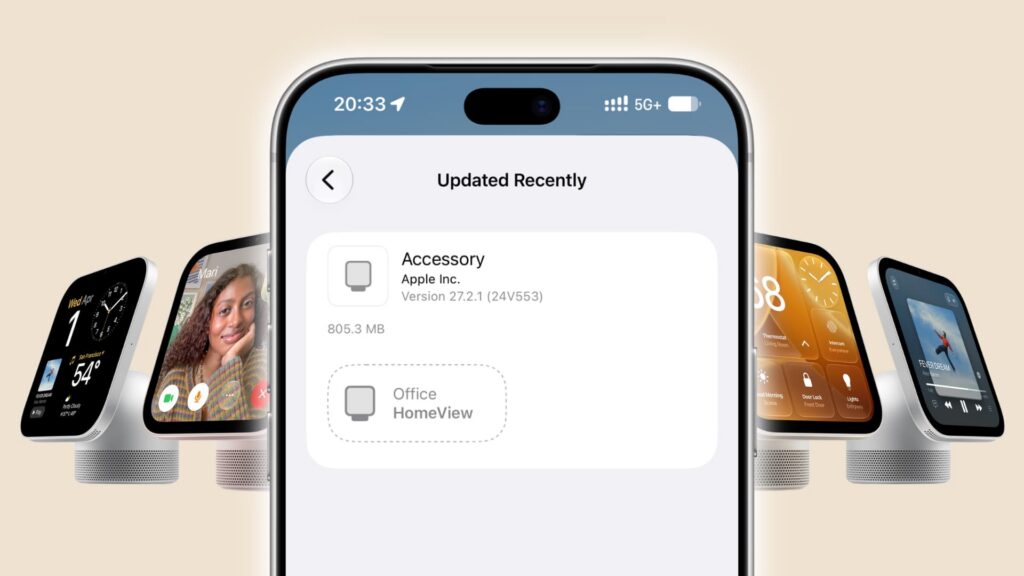
In a guide published on November 20, 2026 (UTC+8), iDownloadBlog described two ways to update Apple HomeView: on the device or through the Home app. The guide says HomeView receives software updates but does not have a separately named operating system.
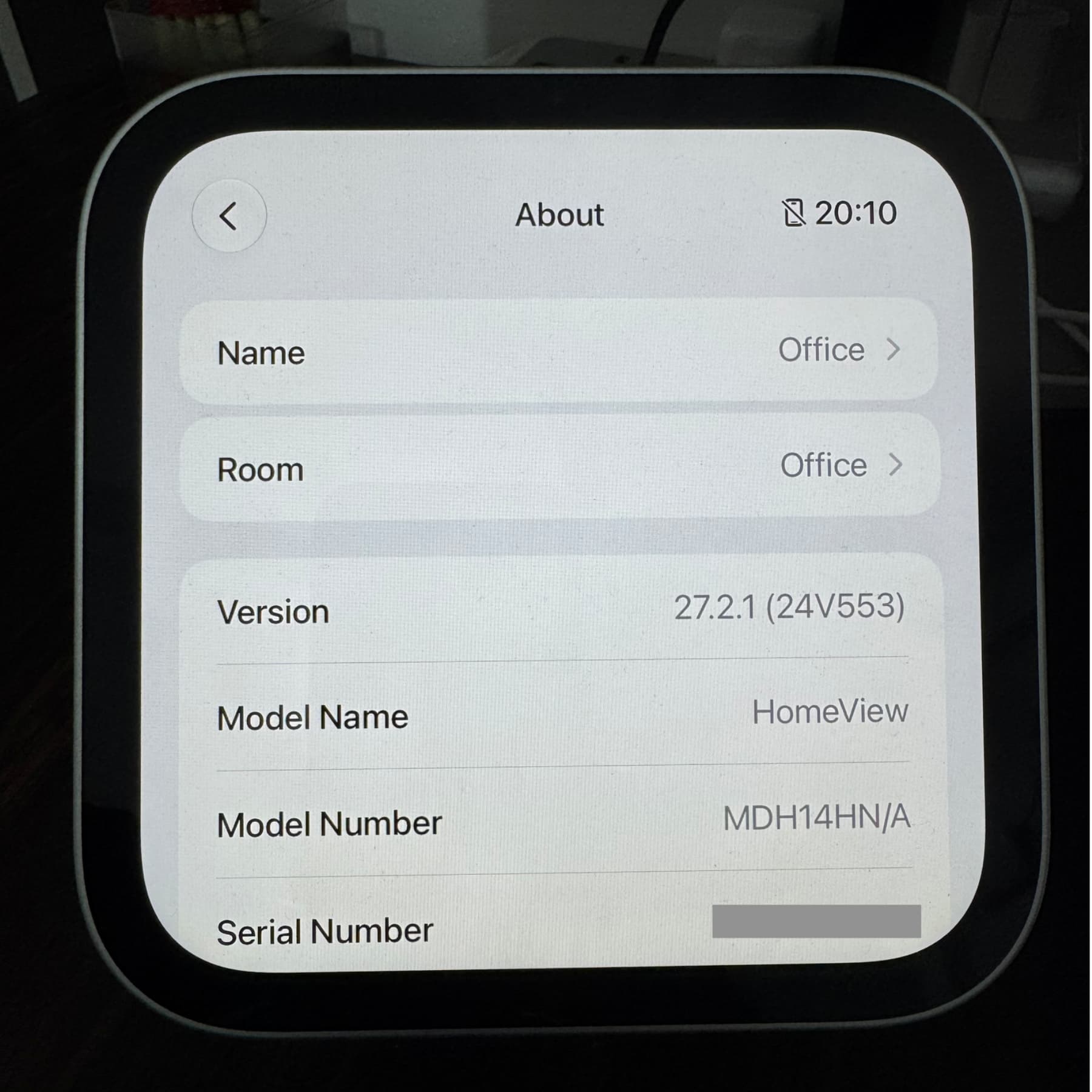
Check the installed version
On HomeView, open Settings → General → About and look for the version number. Alternatively, in the Home app, touch and hold the HomeView tile, open Accessory Settings, and scroll to the version number.
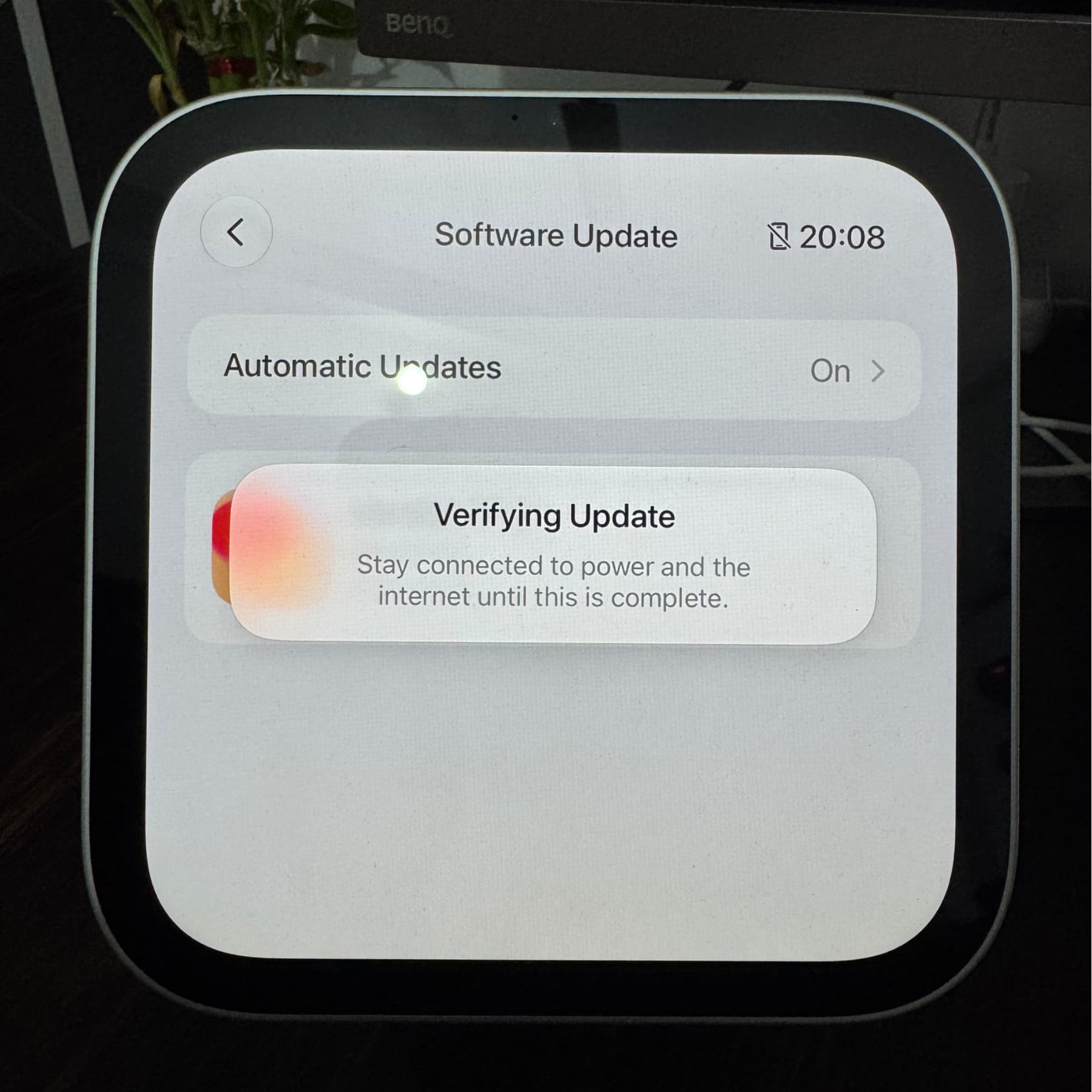
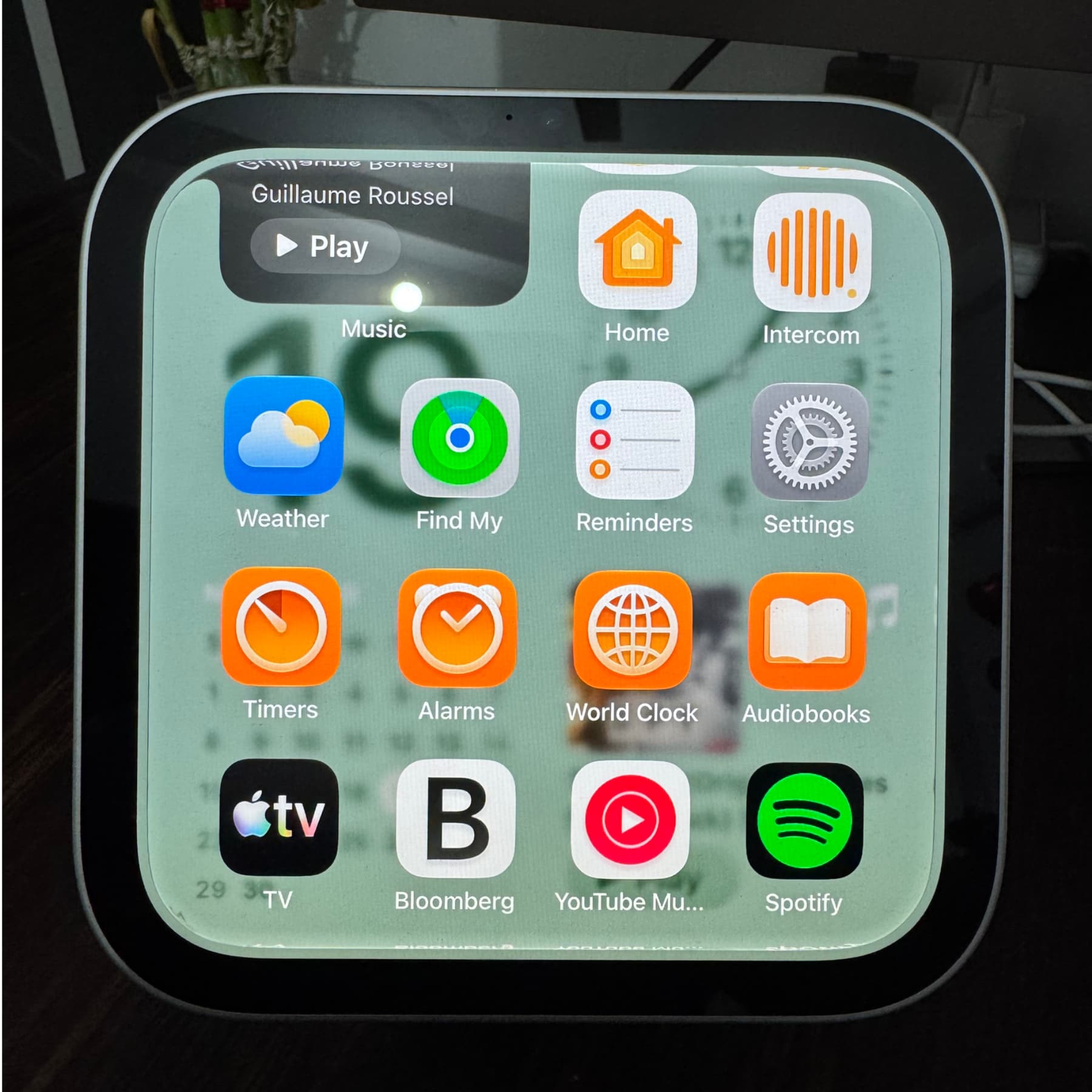
Install an update on HomeView
- Swipe up from the clock face and open Settings.
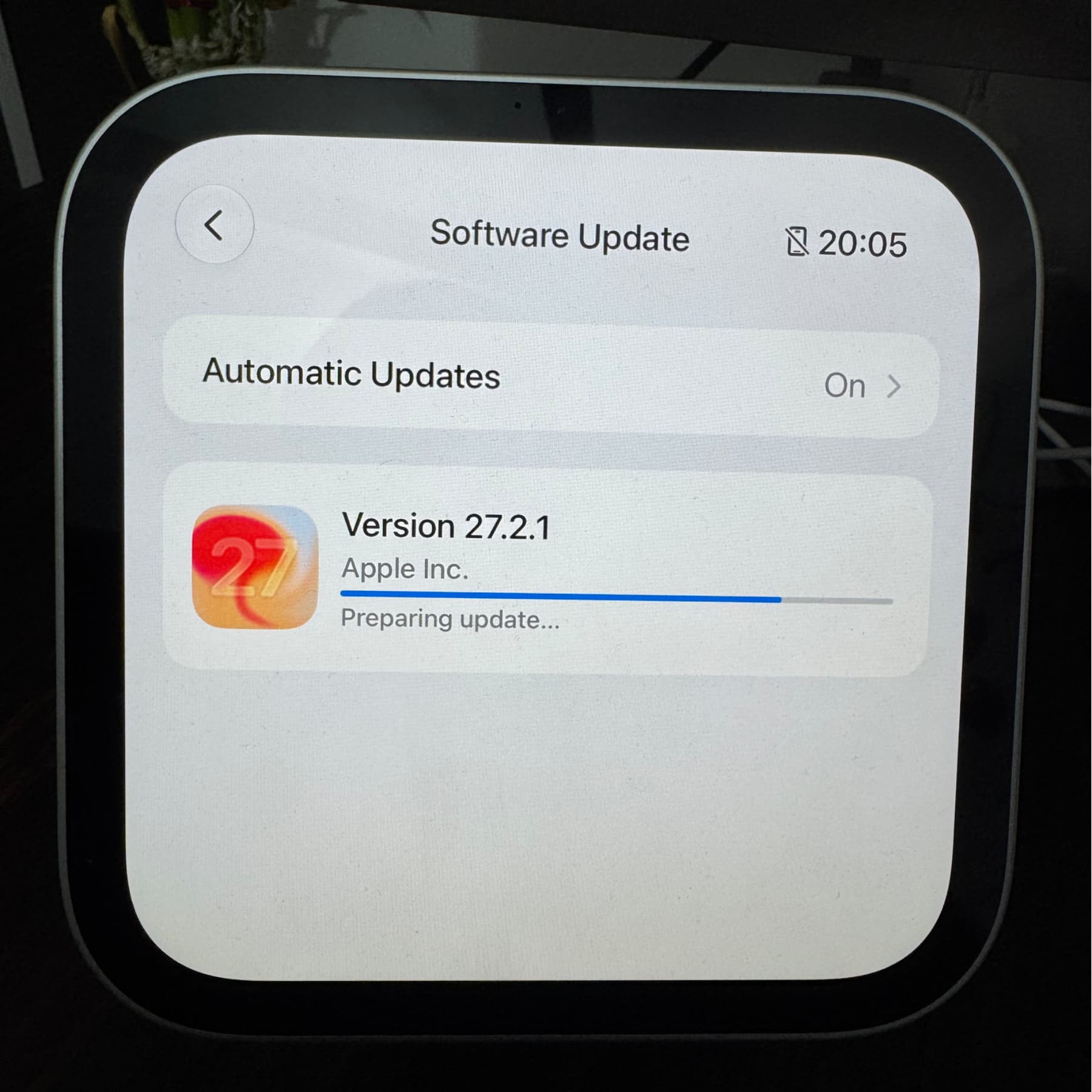
- Go to General → Software Update.
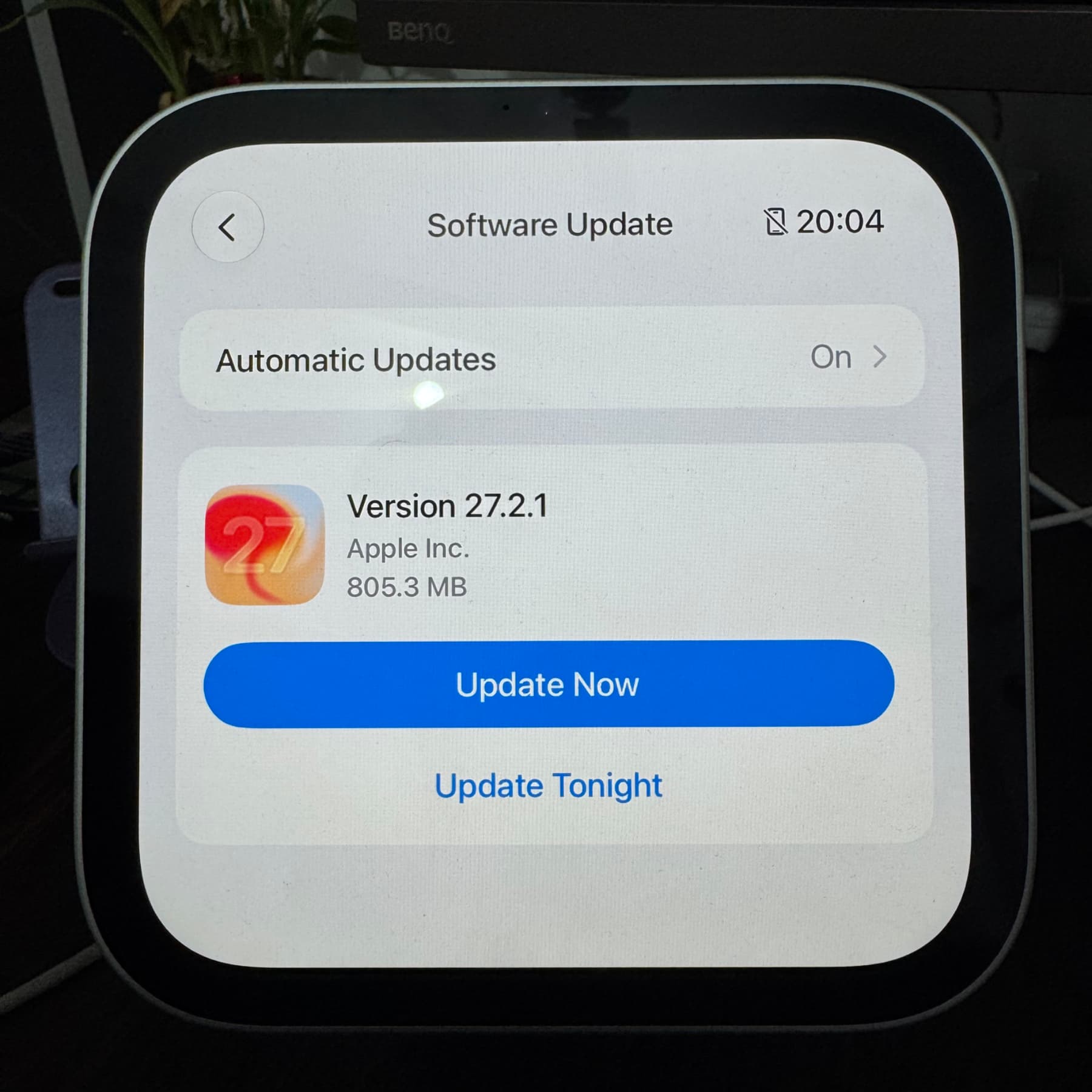
- If an update appears, tap Update Now. If none is available, the screen says “HomeView is up to date.”
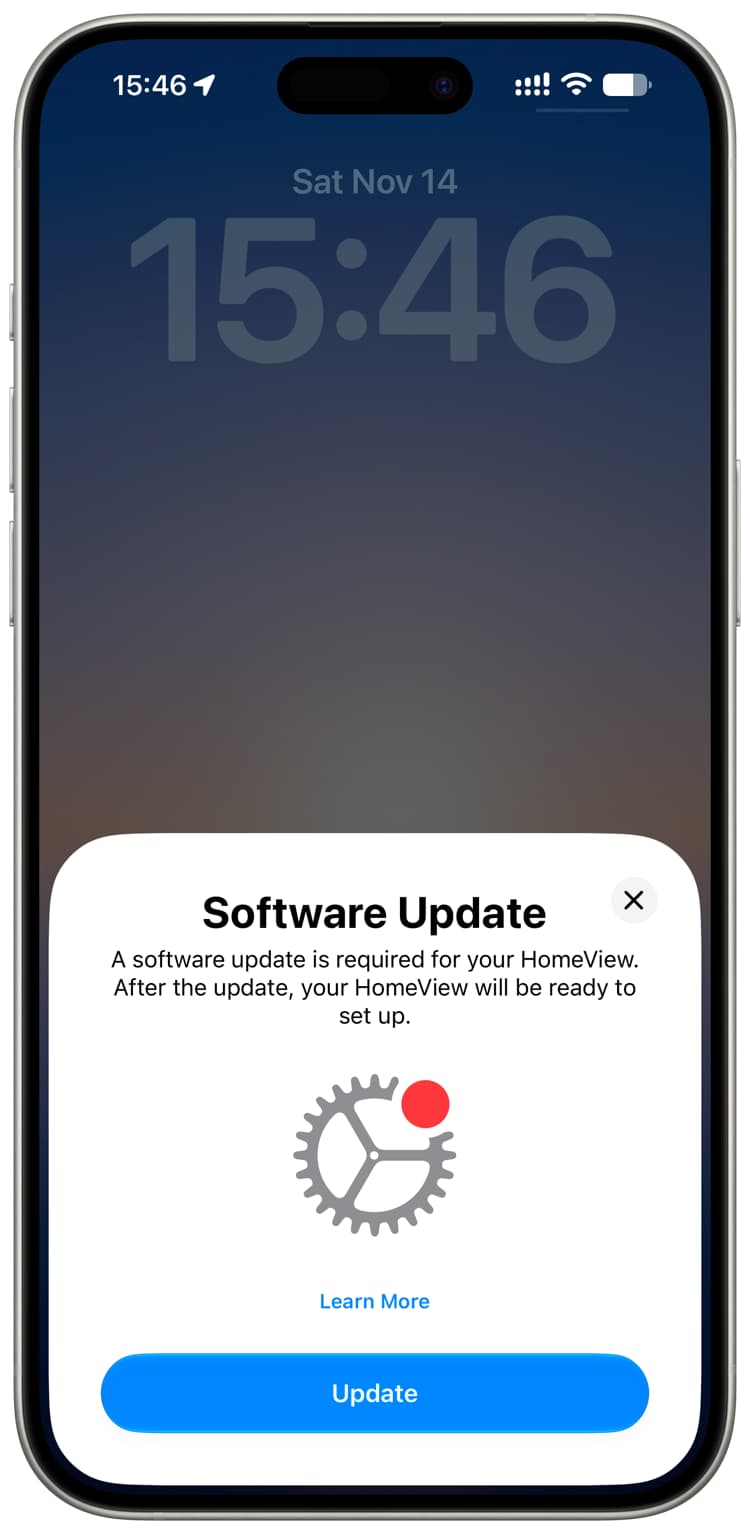
- Leave HomeView connected to reliable power and Wi-Fi while it downloads, prepares and installs the update. The device should restart when installation finishes.
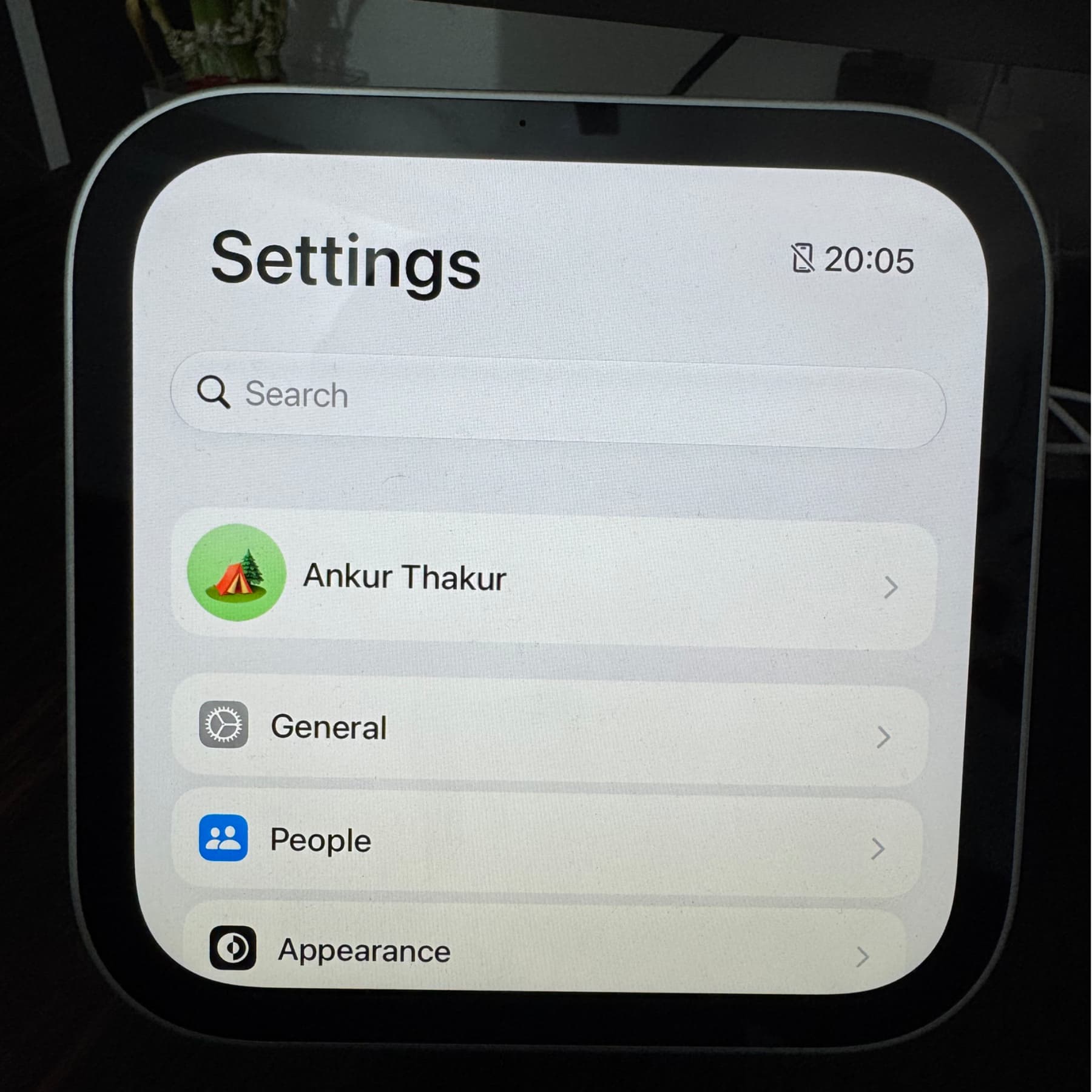
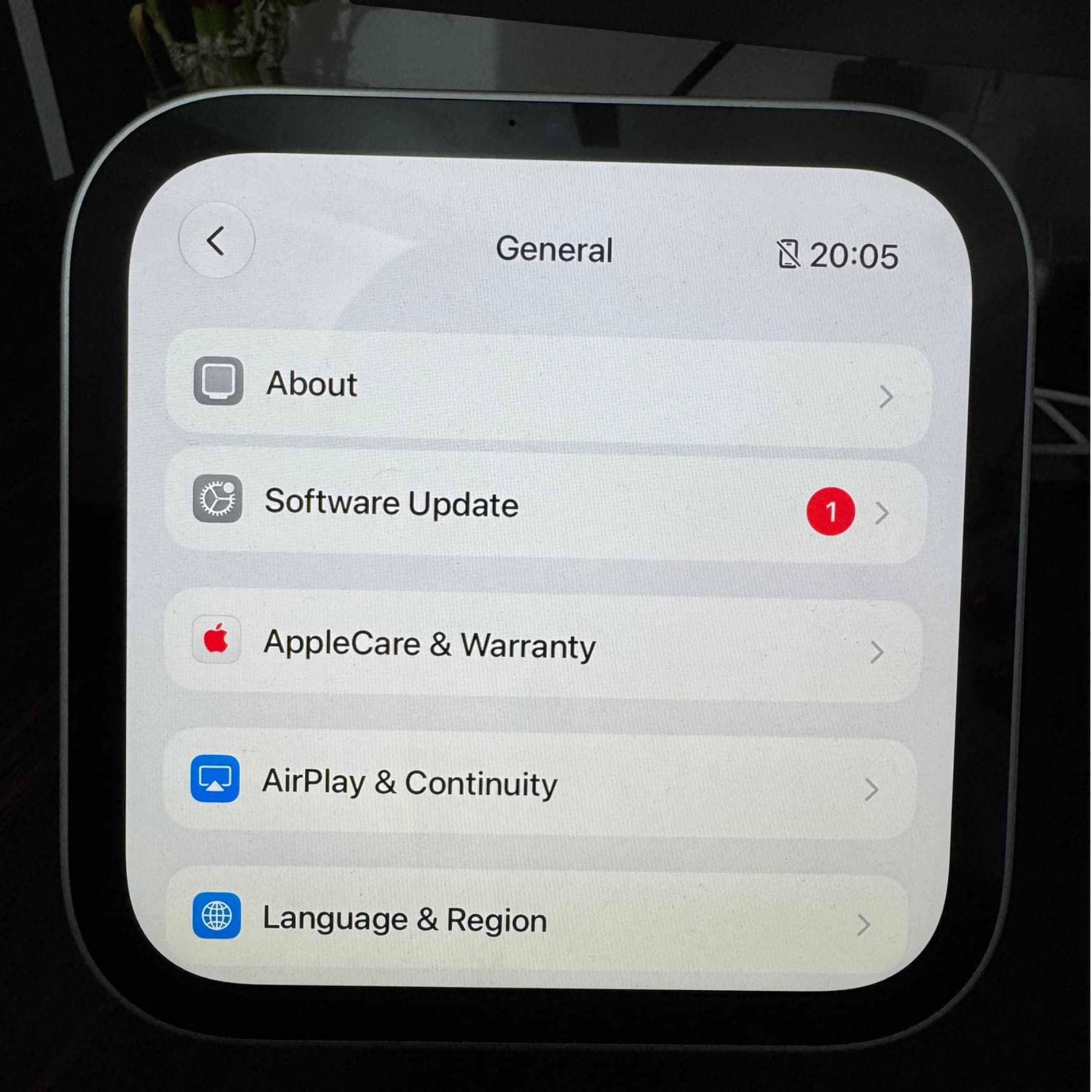
The guide warns that HomeView has no battery and that losing power during installation could require a restore using a Mac. After an update has downloaded, you can choose Later to schedule installation for that night, or Cancel Update to abort it.
To update through an iPhone or iPad, open the Home app and go to Home Settings → Software Update. The Updated Recently section can show the name and version of a recently updated HomeView.
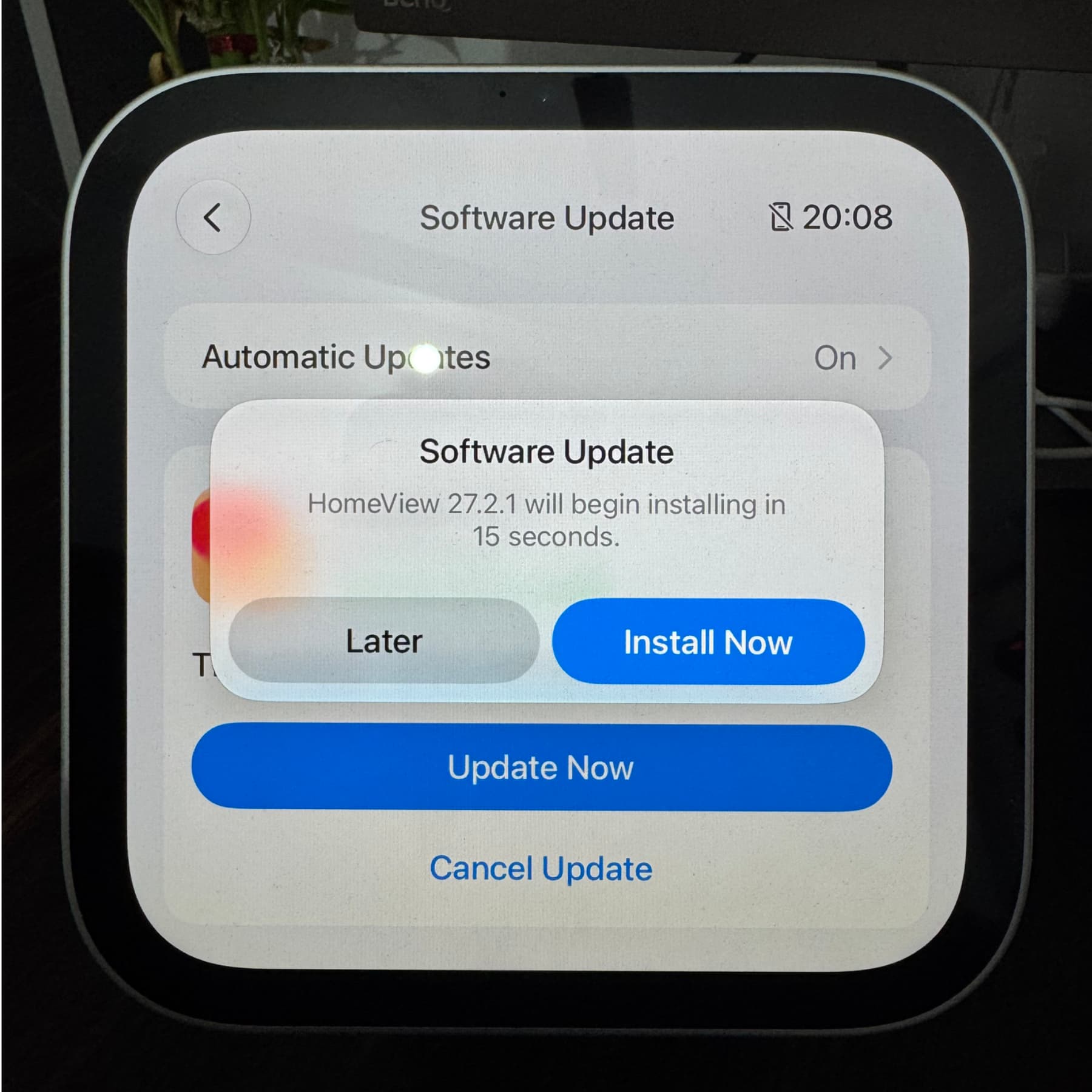
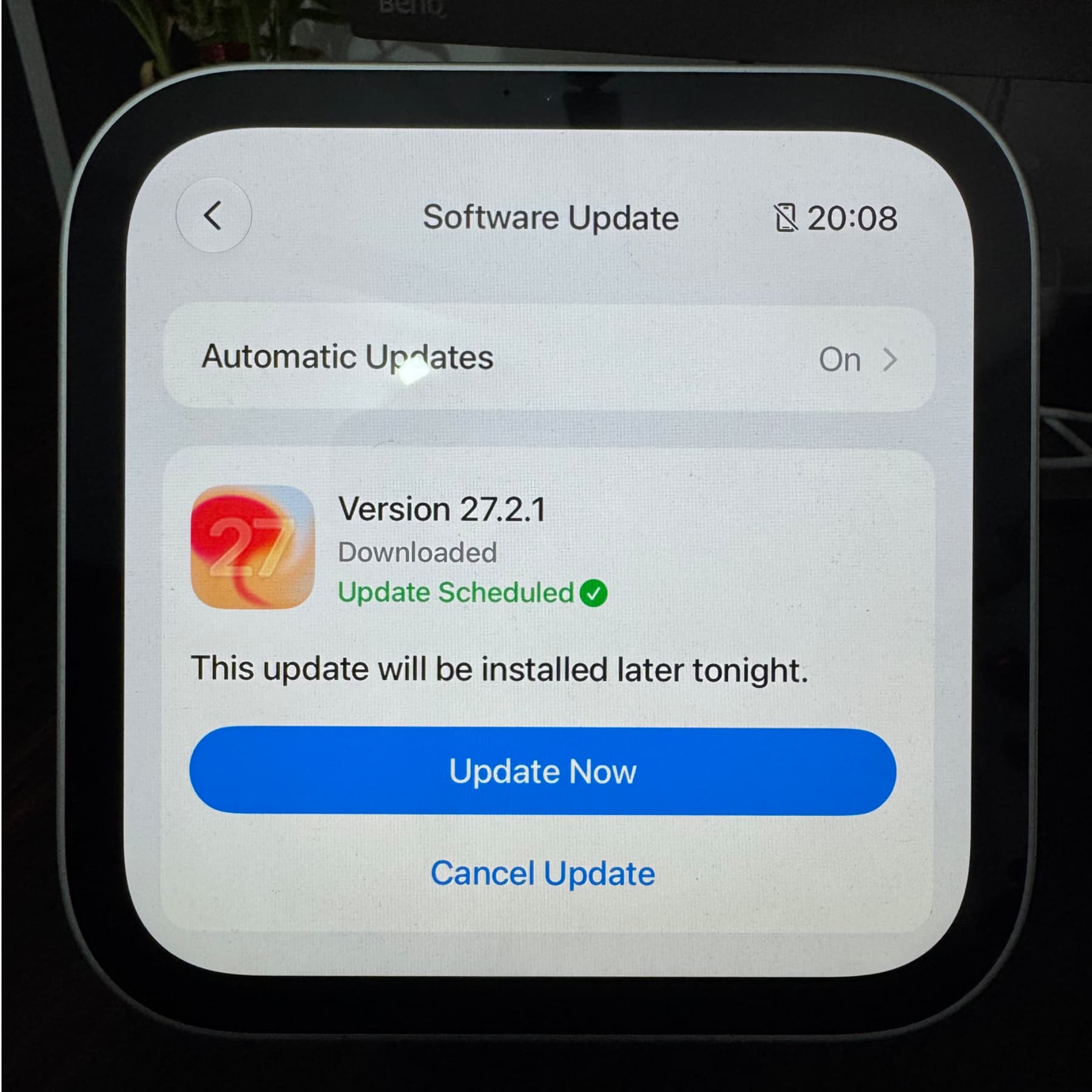
Automatic updates are enabled by default, according to the guide, and normally run while HomeView is connected to Wi-Fi and inactive. To manage them manually, open Settings → General → Software Update → Automatic Updates on HomeView and turn the option off.
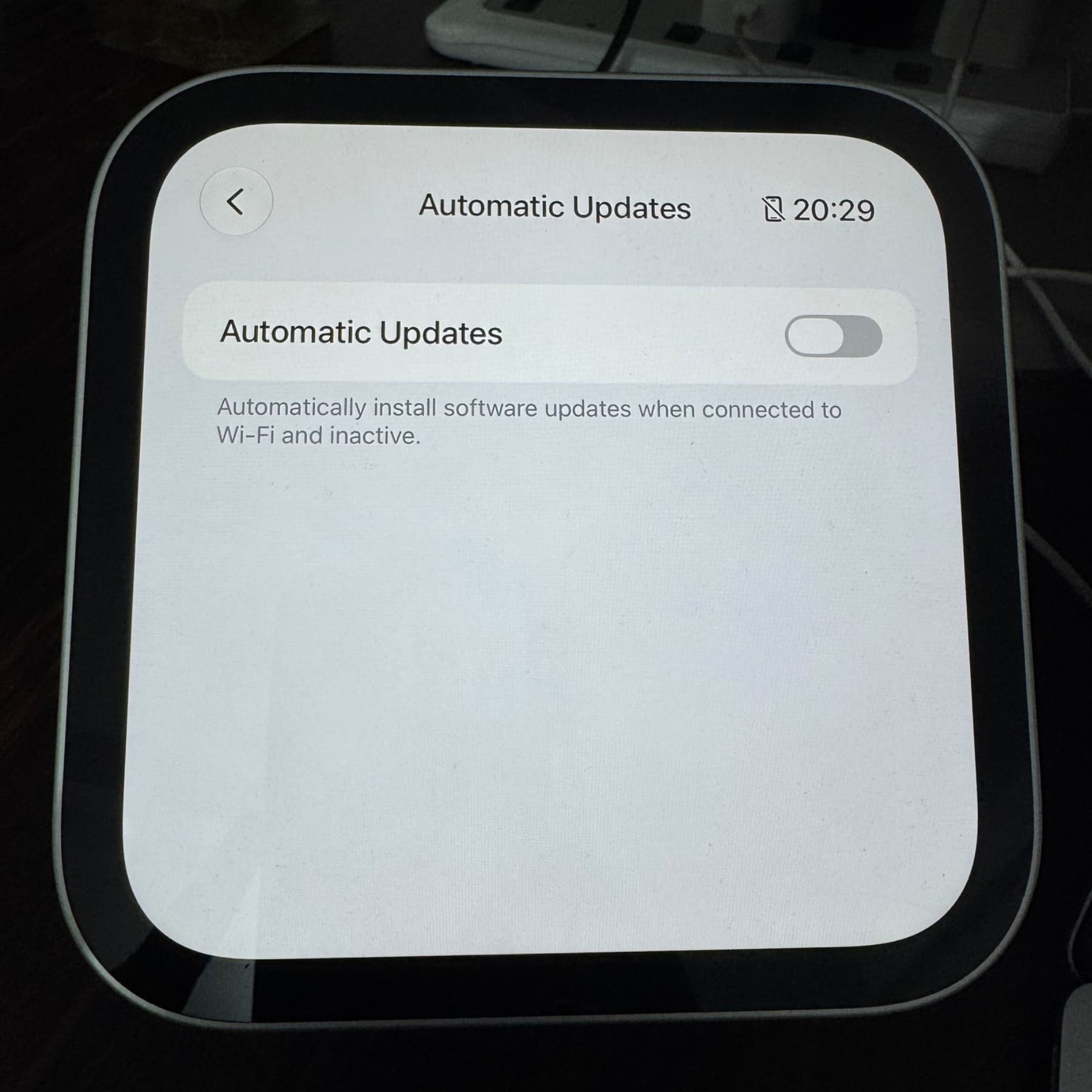
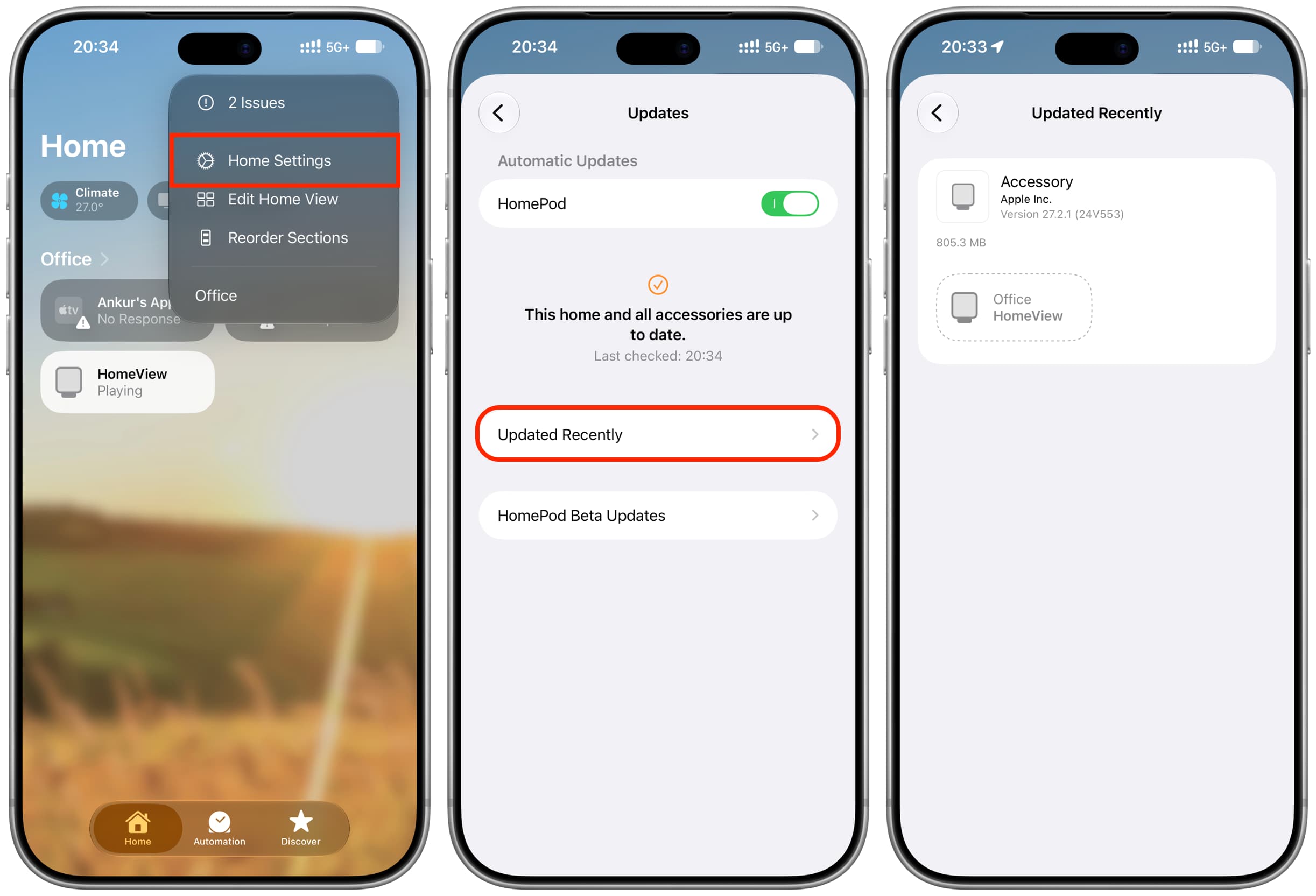
The guide’s author reported that HomeView Software Version 27.2.1 fixed Siri problems they had encountered, including failures to set timers or alarms. At the time of the guide, HomeView beta updates were not available.