

As reported on November 19, 2026, iOS 27 added a Control Center slider for adjusting how much outside sound AirPods Adaptive Audio lets through. The control is available on AirPods models that support Adaptive Audio.

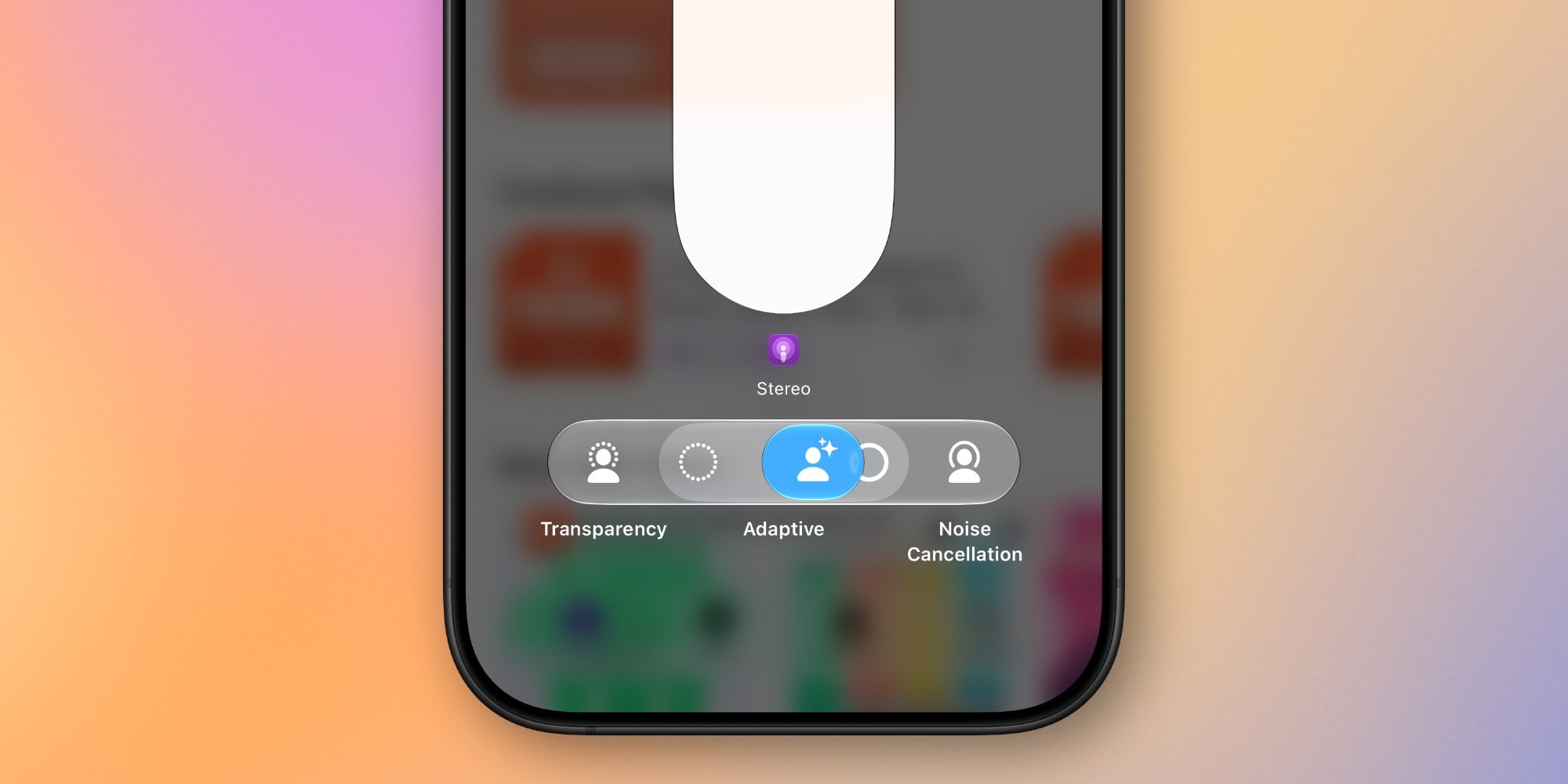
To find it, wear your AirPods, open Control Center on your iPhone, and tap the volume slider. Then tap Listening Mode in the bottom-left corner and select Adaptive. The new slider appears when that mode is selected.
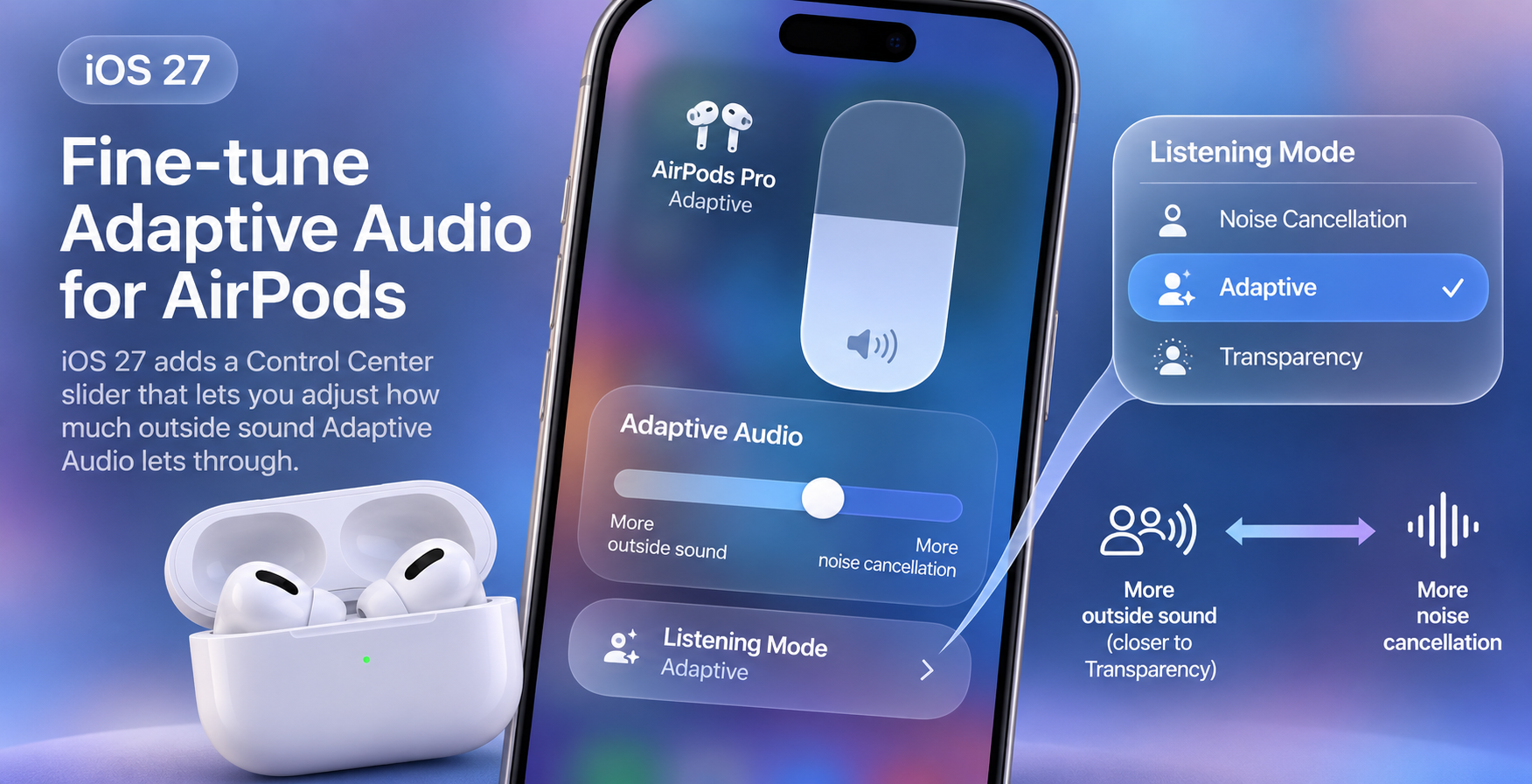
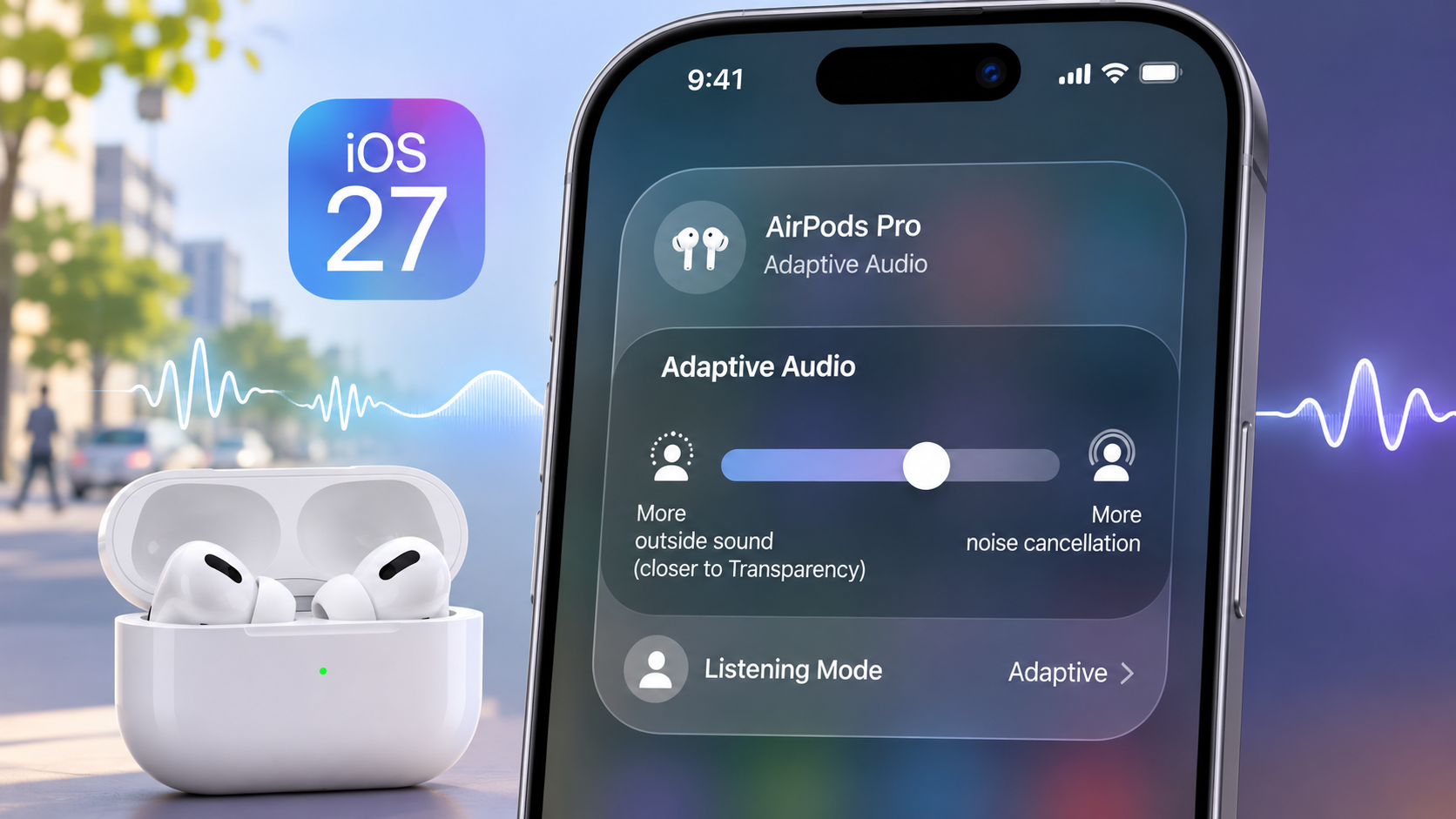
Move the slider left to let in more outside sound, making Adaptive Audio closer to Transparency mode. Move it right to cancel more noise. You can adjust it incrementally rather than choosing from a small set of presets.