
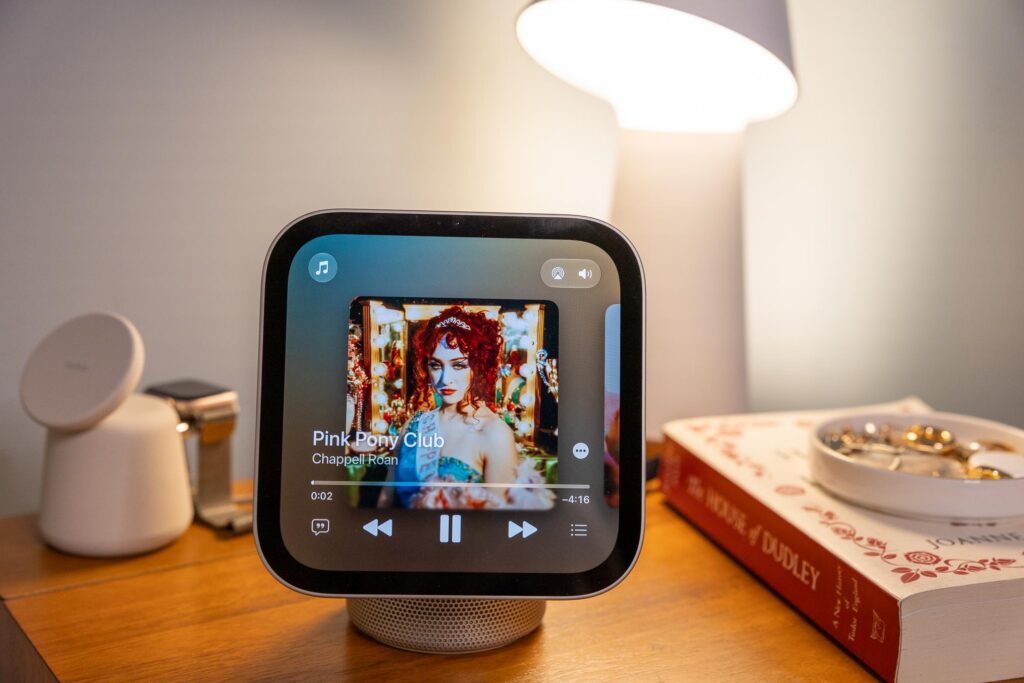
As reported on November 22, 2026, The Verge’s follow-up testing of Apple’s HomeView found that its strongest audio feature is the touchscreen for browsing and controlling music—not its ability to replace a dedicated speaker.
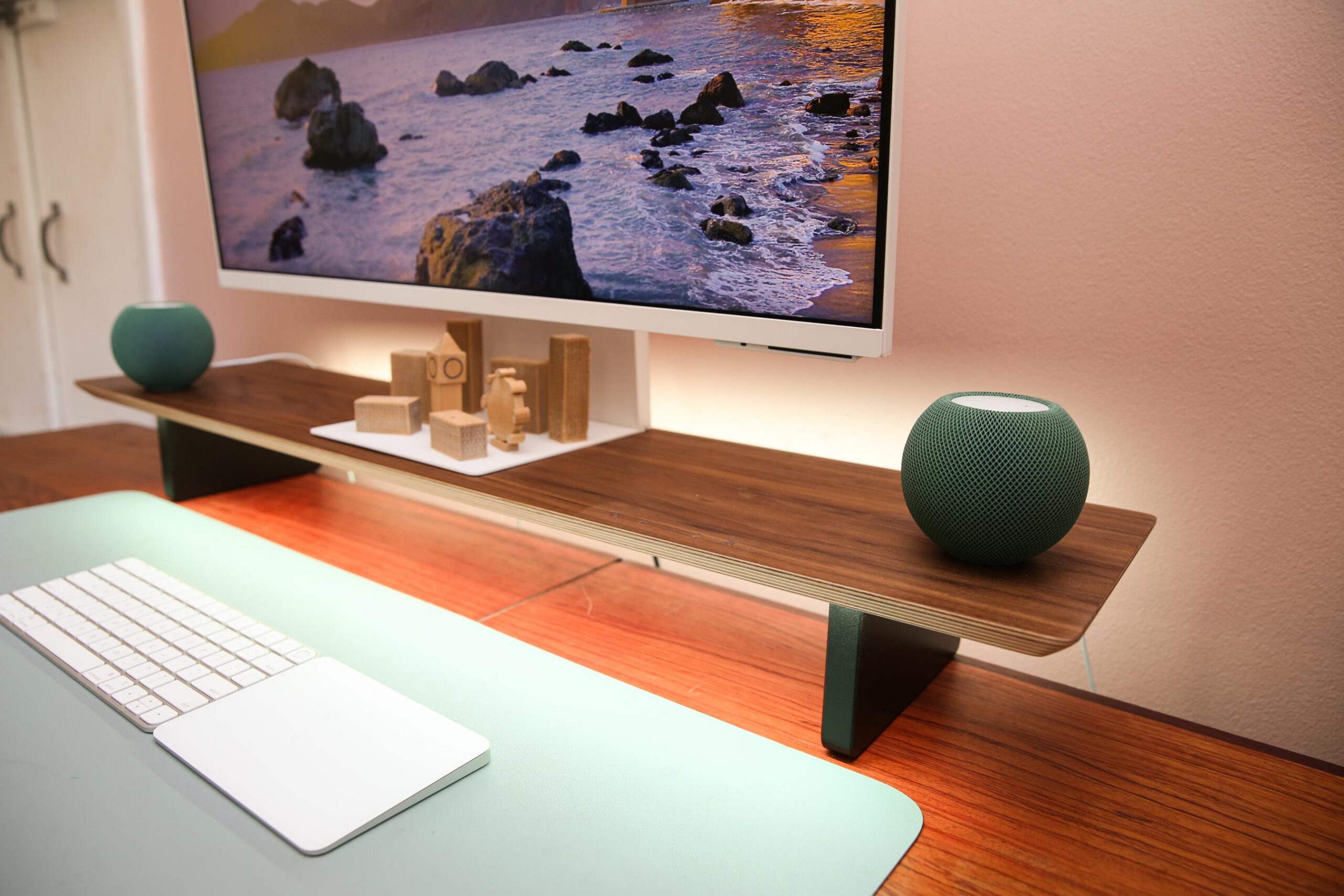
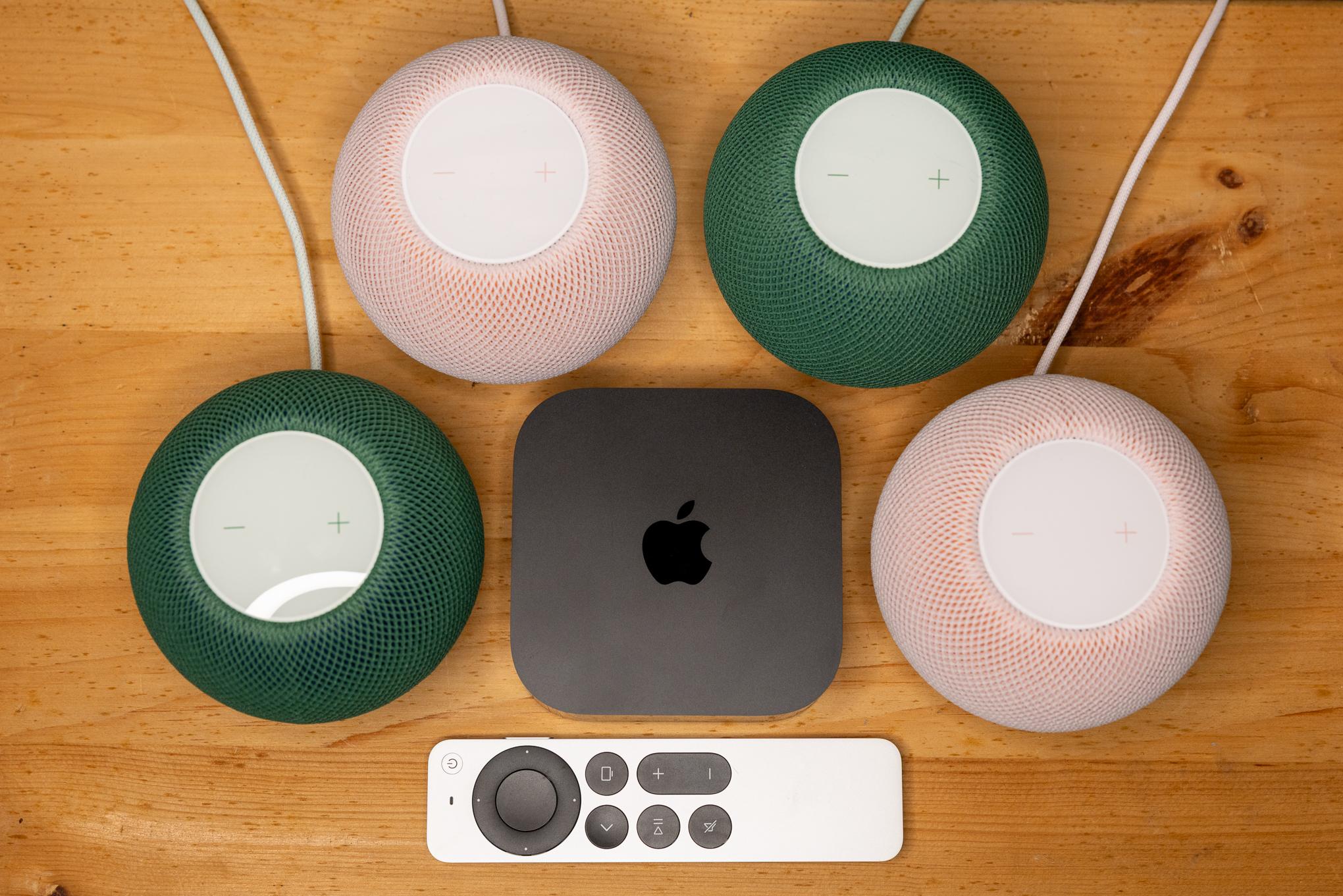
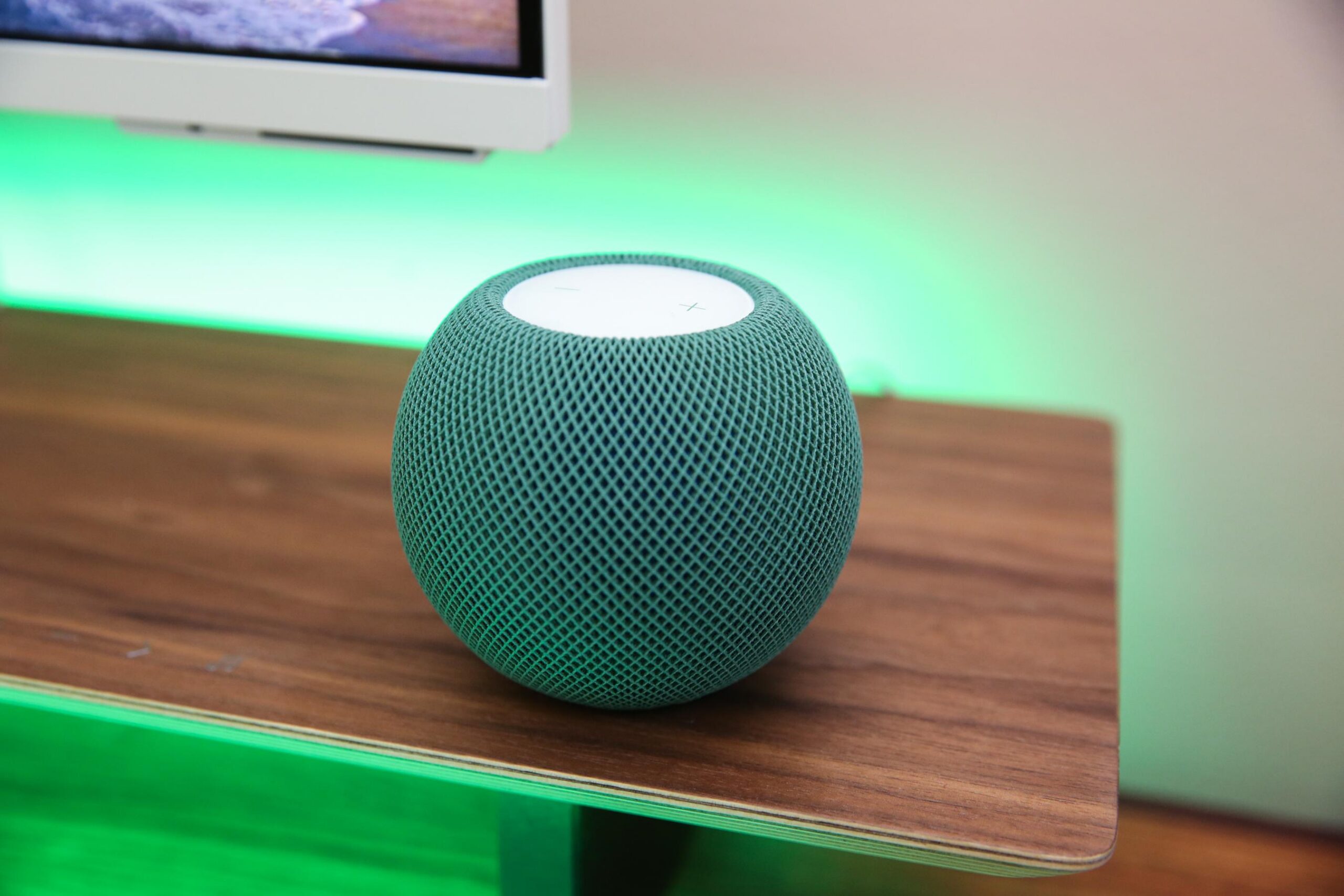
The tabletop HomeView sounded roughly comparable to the HomePod Mini 2 in the reviewer’s tests. It had more bass and could play slightly louder, but sounded less clear and filled a room less effectively. The wall-mounted HomeView sounded thinner still, with little bass. Unlike HomePod Minis, two HomeViews cannot be paired for stereo sound, though they can be grouped with other AirPlay speakers.
AirPlay and handoff offer ways to use other devices. The reviewer played HomeView audio through HomePods, Sonos speakers and a Samsung TV using AirPlay. Handoff transferred audio between an iPhone and HomeView in either direction and also worked with some video. In testing, YouTube and YouTube TV video handed off despite having no HomeView app; Netflix and Amazon Prime Video handed off audio only. Phone calls sometimes dropped during handoff.
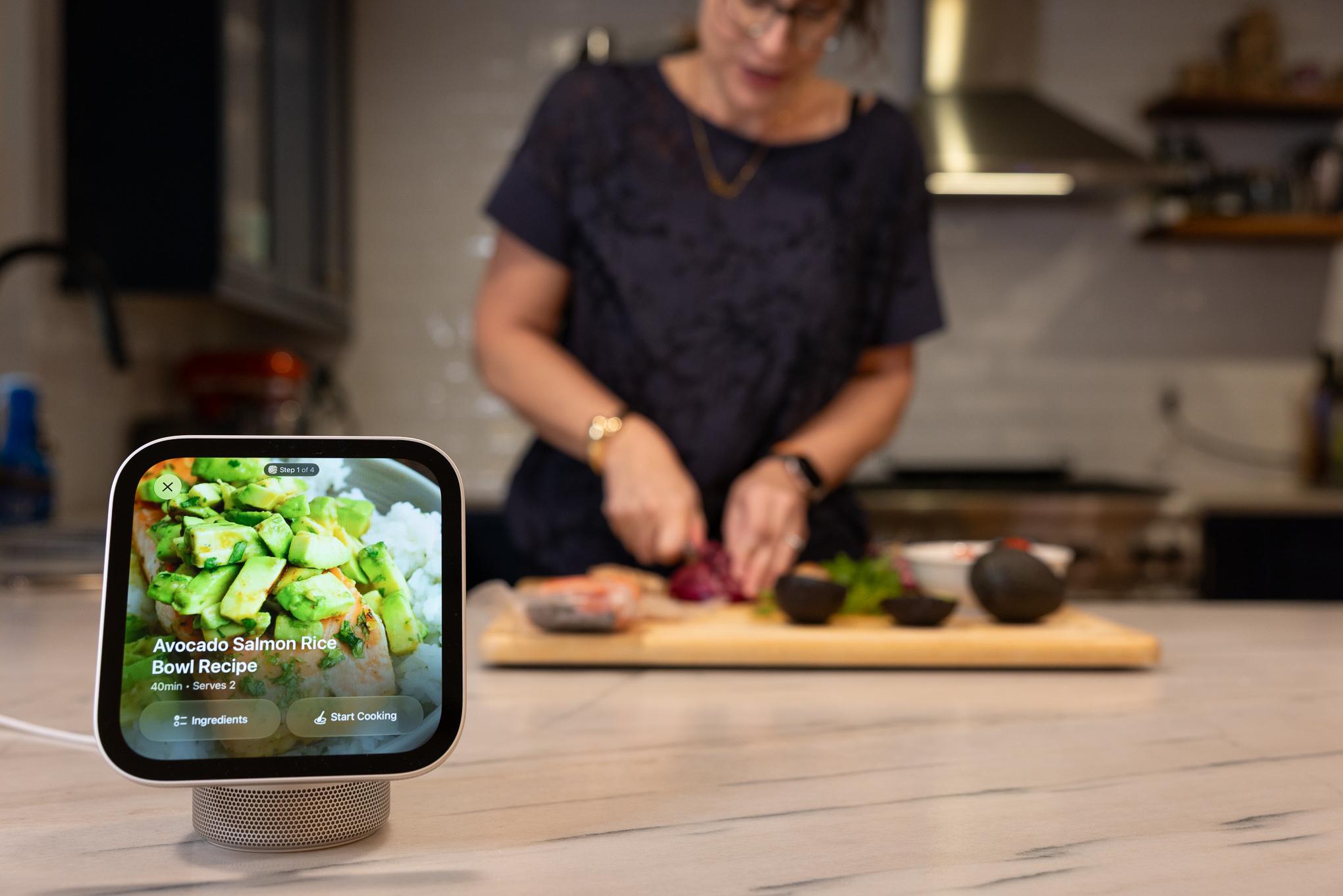
HomeView has no setting for a permanent default speaker or speaker group. Its native apps—including Apple Music, Podcasts and Safari—remember the last speakers used. Third-party apps behave differently: when the reviewer started Spotify with Siri, audio played through HomeView’s built-in speaker rather than the previously used HomePod Mini stereo pair. Naming the destination in the voice request worked around that behavior.
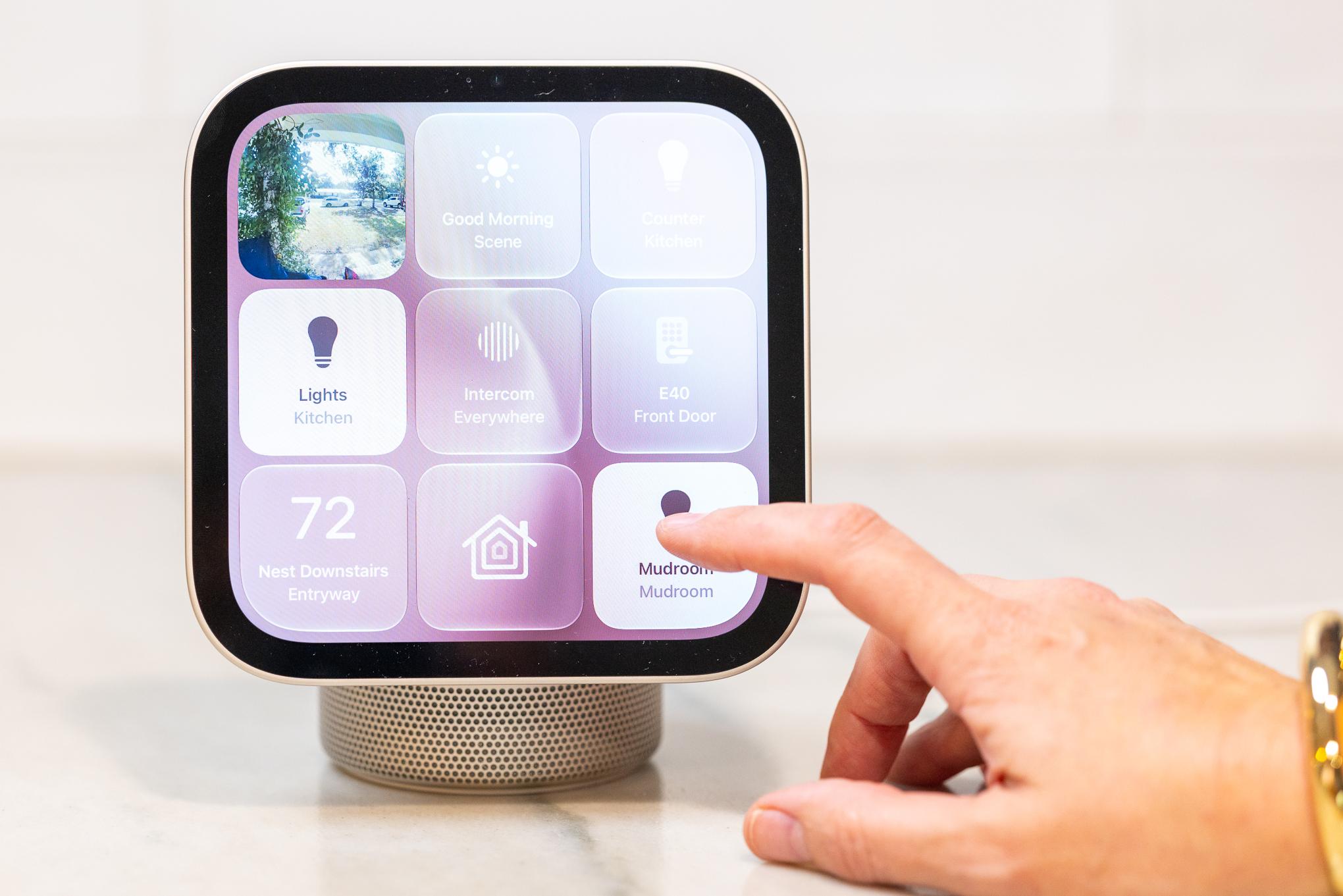
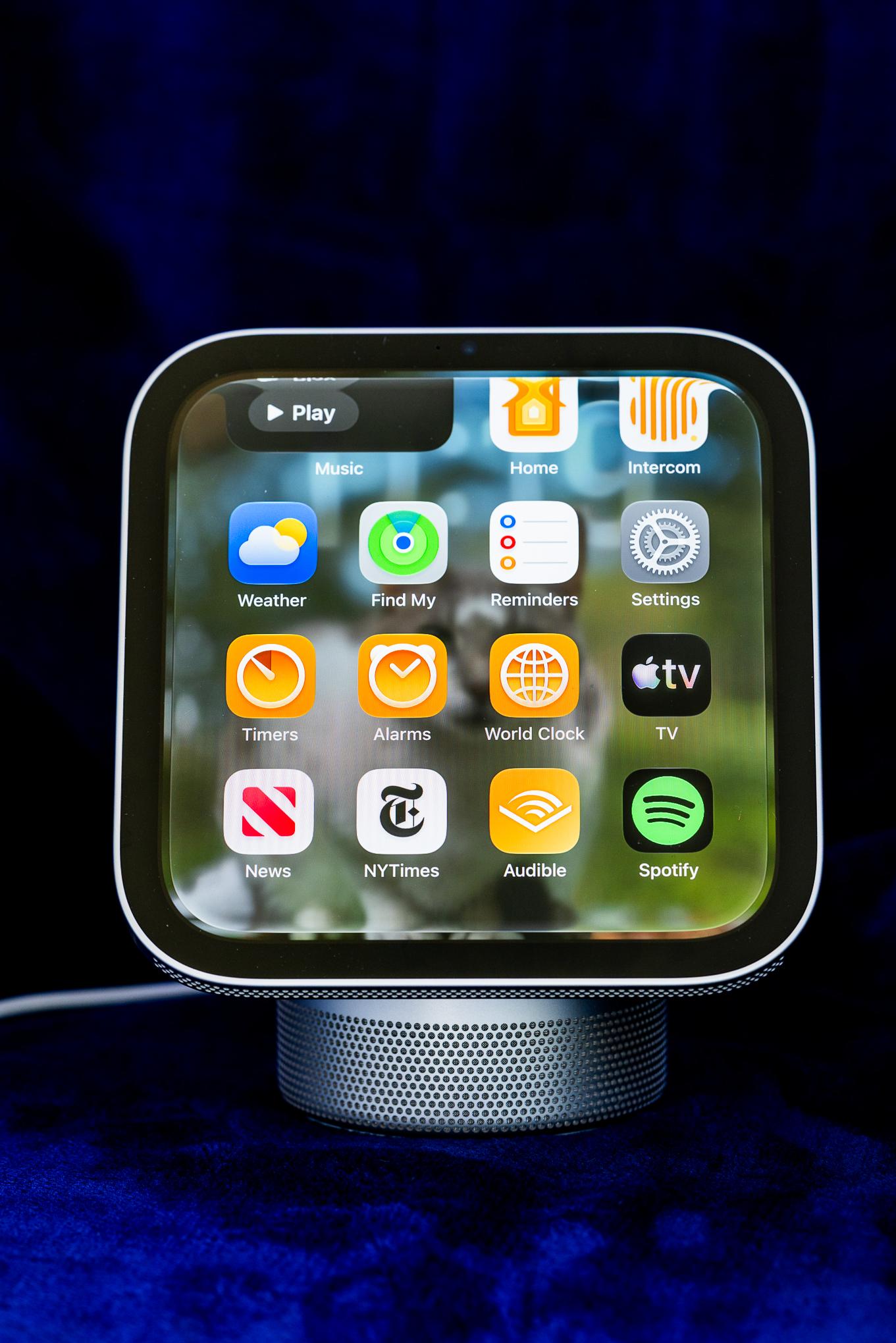
Spotify works, but through a CarPlay-style interface. In the reviewer’s testing, Spotify, Pocket Casts, Amazon Music, YouTube Music and Audible appeared on HomeView when the user had a profile on the device and their phone was on the same Wi-Fi network. These interfaces allowed playback and browsing but offered no typed search. The reviewer also found them slower than native apps; Audible sometimes failed to load and did not respond reliably to Siri voice search.
For a household choosing between devices, that distinction matters. HomeView provides a screen that people can use to browse and control audio, but the article says Apple Music is the only music app anyone in the household can use directly; CarPlay-based apps depend on an individual user profile and phone connection. Buyers looking primarily for music playback rather than touchscreen control may find those constraints more important than HomeView’s display.