
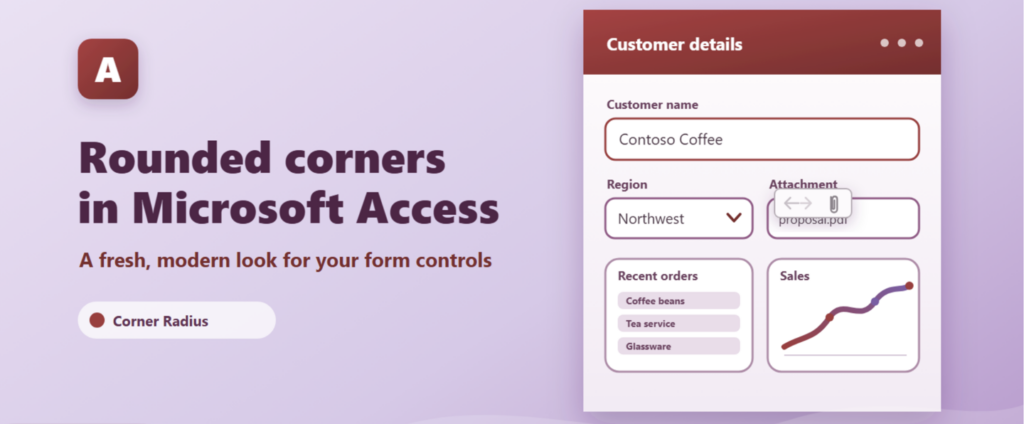
As reported on November 23, 2026, Microsoft was introducing a Corner Radius property for form controls in Microsoft 365 Access. The property lets users adjust how rounded a control’s corners appear.
Microsoft said the property supports 10 control types: text boxes, combo boxes, list boxes, option groups, rectangles, labels, image controls, modern charts, attachment controls and subform controls. Command buttons and toggle buttons are planned for a later update.

For a supported control, users can set Corner Radius in the property sheet to an integer of 0 or greater. A value of 0 keeps square corners; 4 or 6 produces a slight curve, while 8, 12 or 16 makes the rounding more pronounced. Larger values are limited by the control’s dimensions. To display a rounded border, Special Effect must also be set to Flat. Microsoft said the property is accessible through VBA.
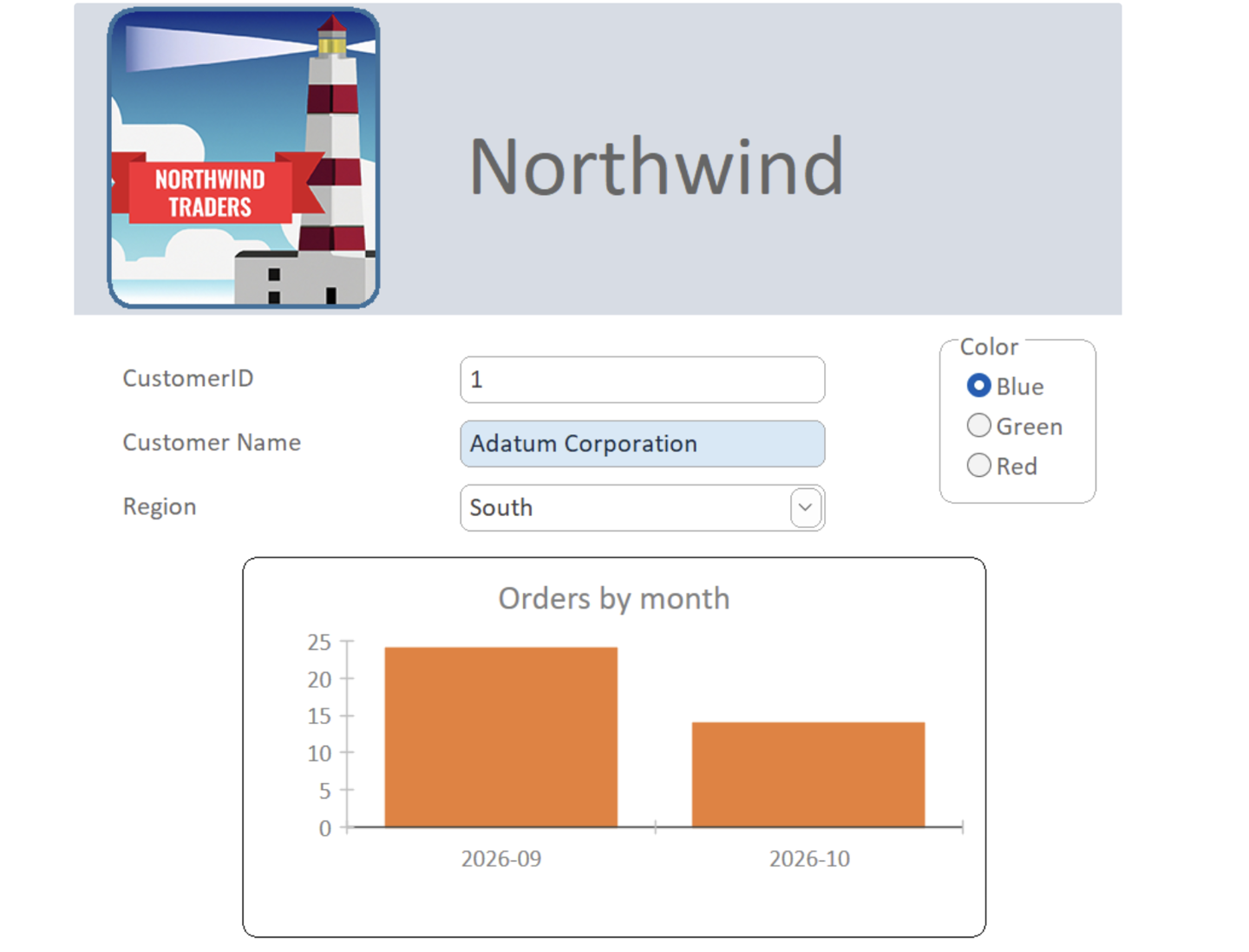
The default Corner Radius is 0. Microsoft said this means existing forms and controls will retain their square-corner appearance.
At the time of the report, the feature required one of two Microsoft 365 preview builds: Version 2612 (Build 16.0.20715.20004) on the Beta Channel, or Version 2611 (Build 16.0.20625.20102) on Current Channel (Preview).