
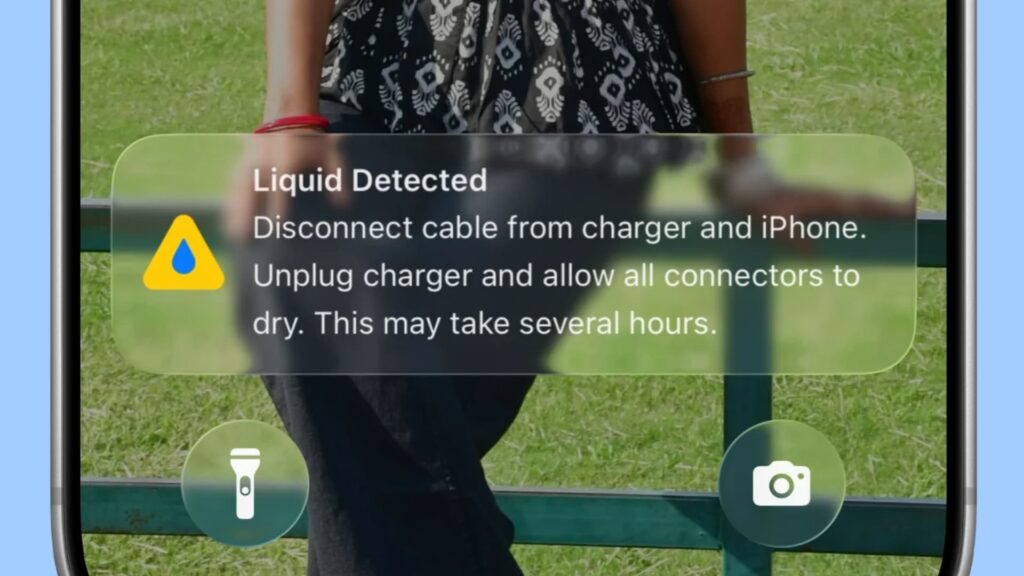
In an October 2026 guide, iDownloadBlog described what to do when an iPhone blocks charging after detecting liquid in its USB-C or Lightning port. The alert is a protective measure: charging or accessory connections are disabled while the connector may be wet.
Disconnect the cable and let the port dry. Wipe the phone with a dry cloth, hold it with the charging port facing down, and gently tap it against your palm to help remove liquid. Leave it in an airy place for at least 30 minutes before trying the cable again. If the alert returns, disconnect it and allow several more hours for drying; the guide says this can take up to 24 hours.
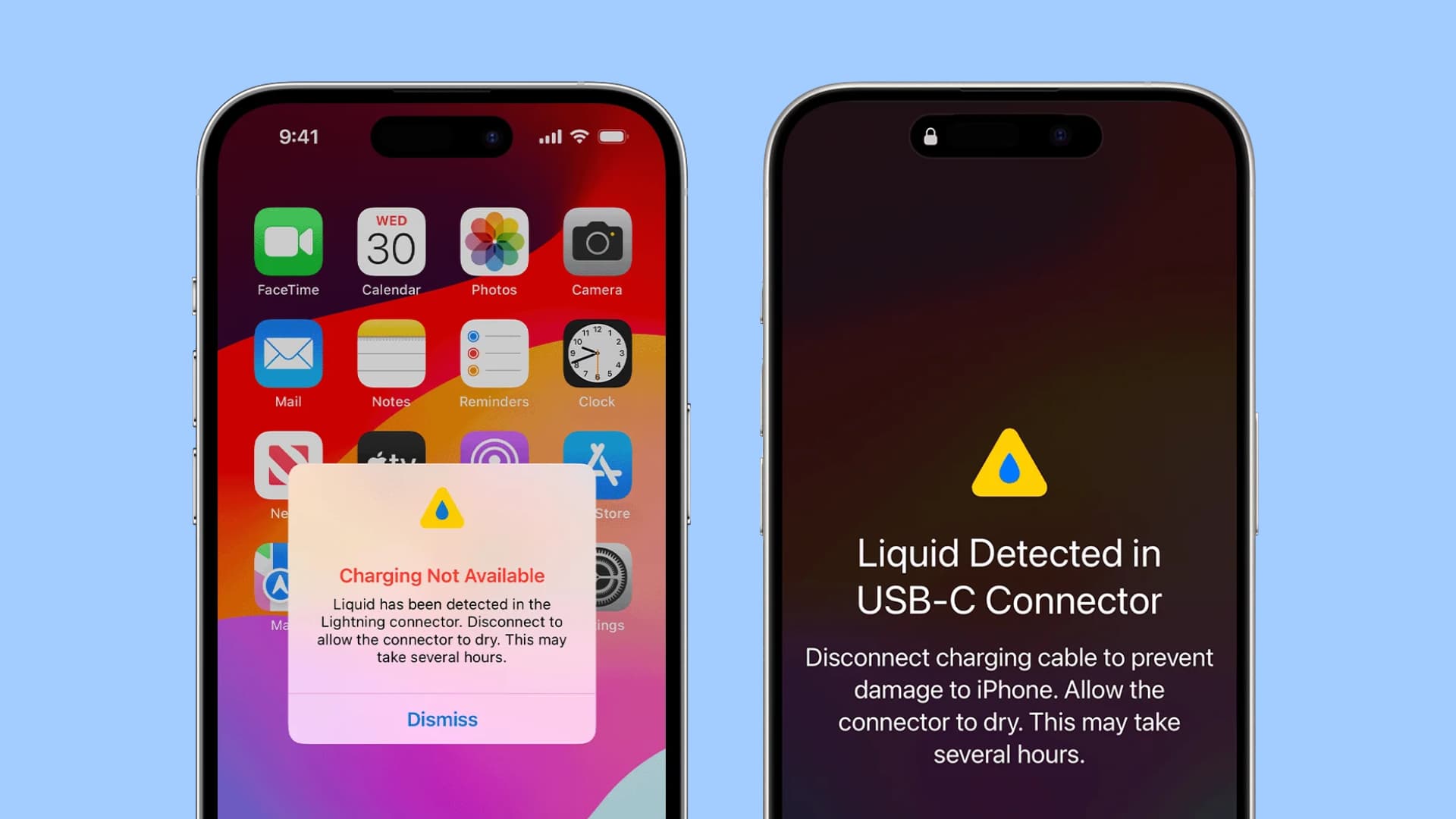
Do not put anything into the port, use a hair dryer or compressed air, or place the phone in rice. If charging cannot wait, the guide suggests wireless charging after drying the back of the phone. Apple also provides an option to override the liquid warning for emergency wired charging, but using a cable while the port is wet risks damage.
The guide recounts a case involving seawater in an iPhone 16’s port: charging resumed after a couple of hours, despite an authorized repair shop’s recommendation to replace the port. That outcome does not rule out later corrosion. For exposure to saltwater or other liquids, the guide advises following Apple Support or an Apple Store representative’s recommendations rather than treating its anecdote as a repair procedure.