
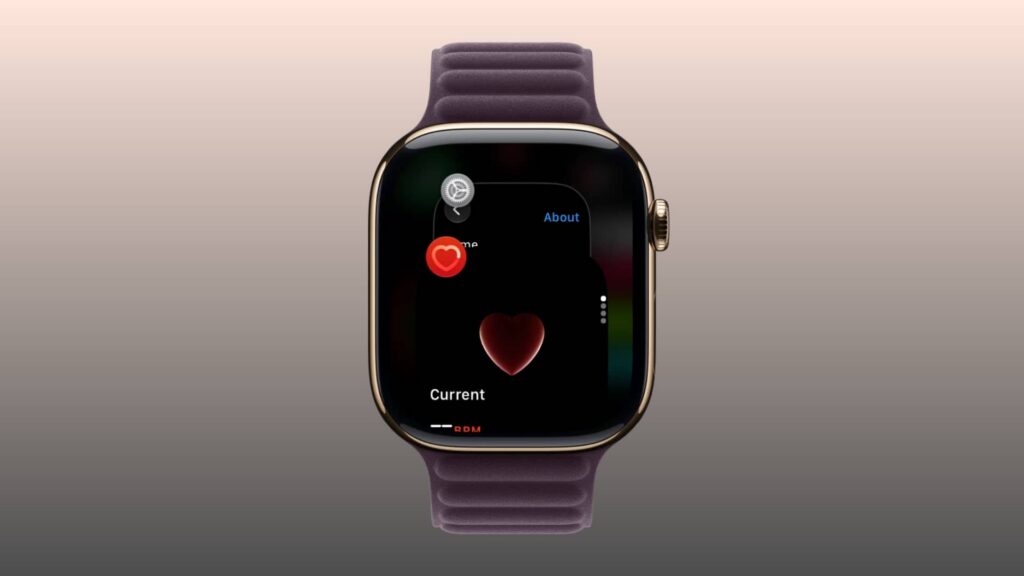
Originally reported November 4, 2026.
On Apple Watch models running watchOS 27, double-pressing the Digital Crown no longer opens the App Switcher. The original report says Apple reassigned that gesture to Live Rewind on Series 12 and Ultra 4; on older models, a double-press does nothing. The App Switcher is still available, but it requires a different gesture.
To see recently used apps:
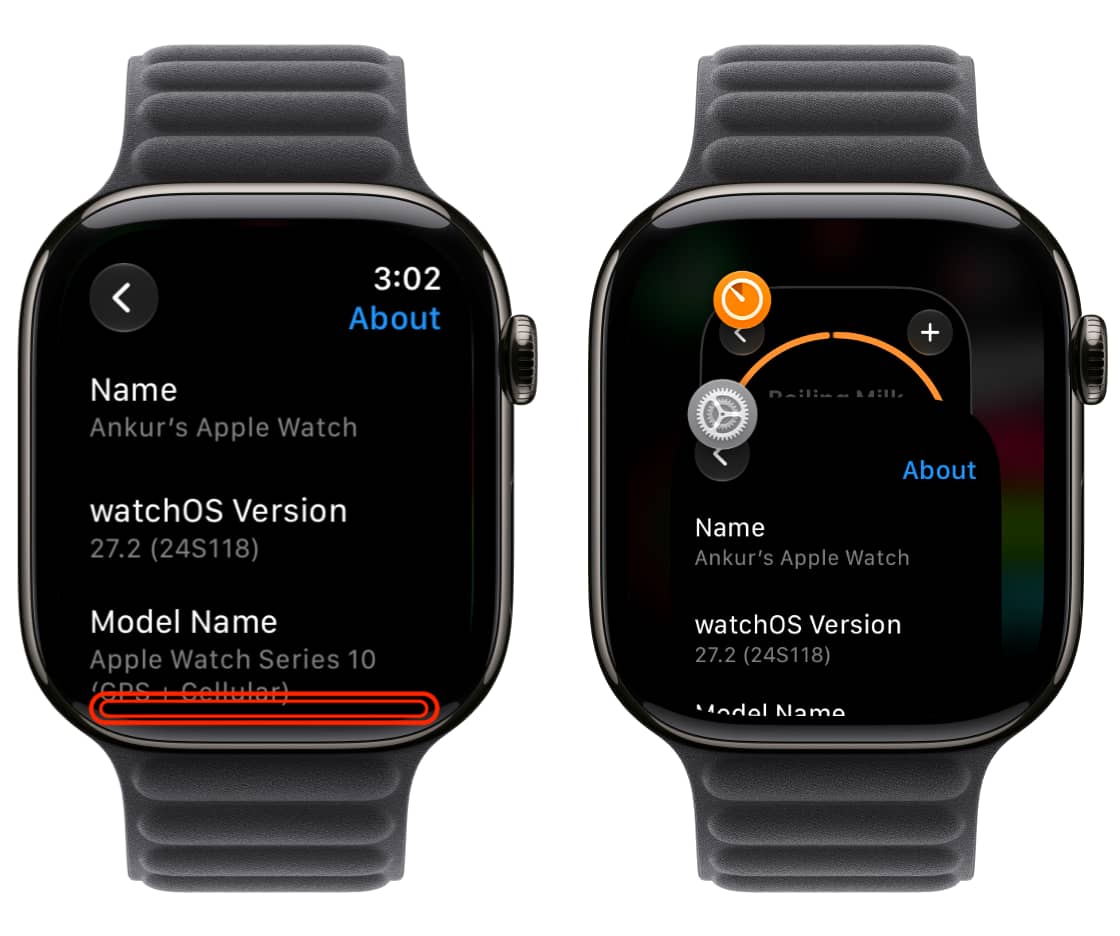
- Update your Apple Watch to watchOS 27.2 or later.
- Open an app. This gesture does not work from the watch face or Home Screen.
- Touch and hold the bottom of the screen until you feel a soft vibration.
- Swipe up or down to browse recent apps.
To quit an app, swipe left on its card and tap the red X. If you leave a card selected without acting, watchOS opens that app full-screen after a couple of seconds.
The report says the older force-close method using the power-off screen still works. It also cautions against routinely closing every recent app to save battery, citing Apple’s guidance that doing so can instead hurt battery life.