
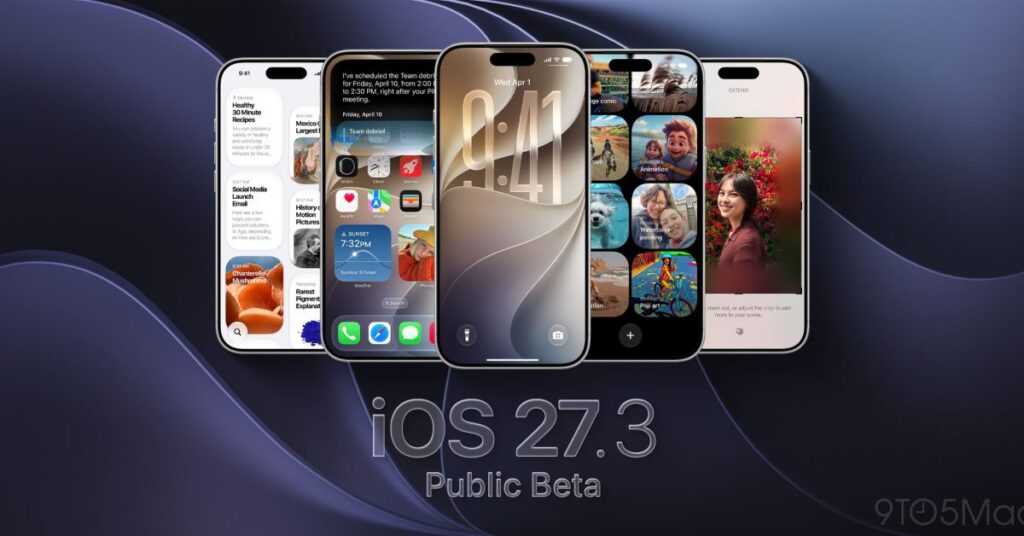
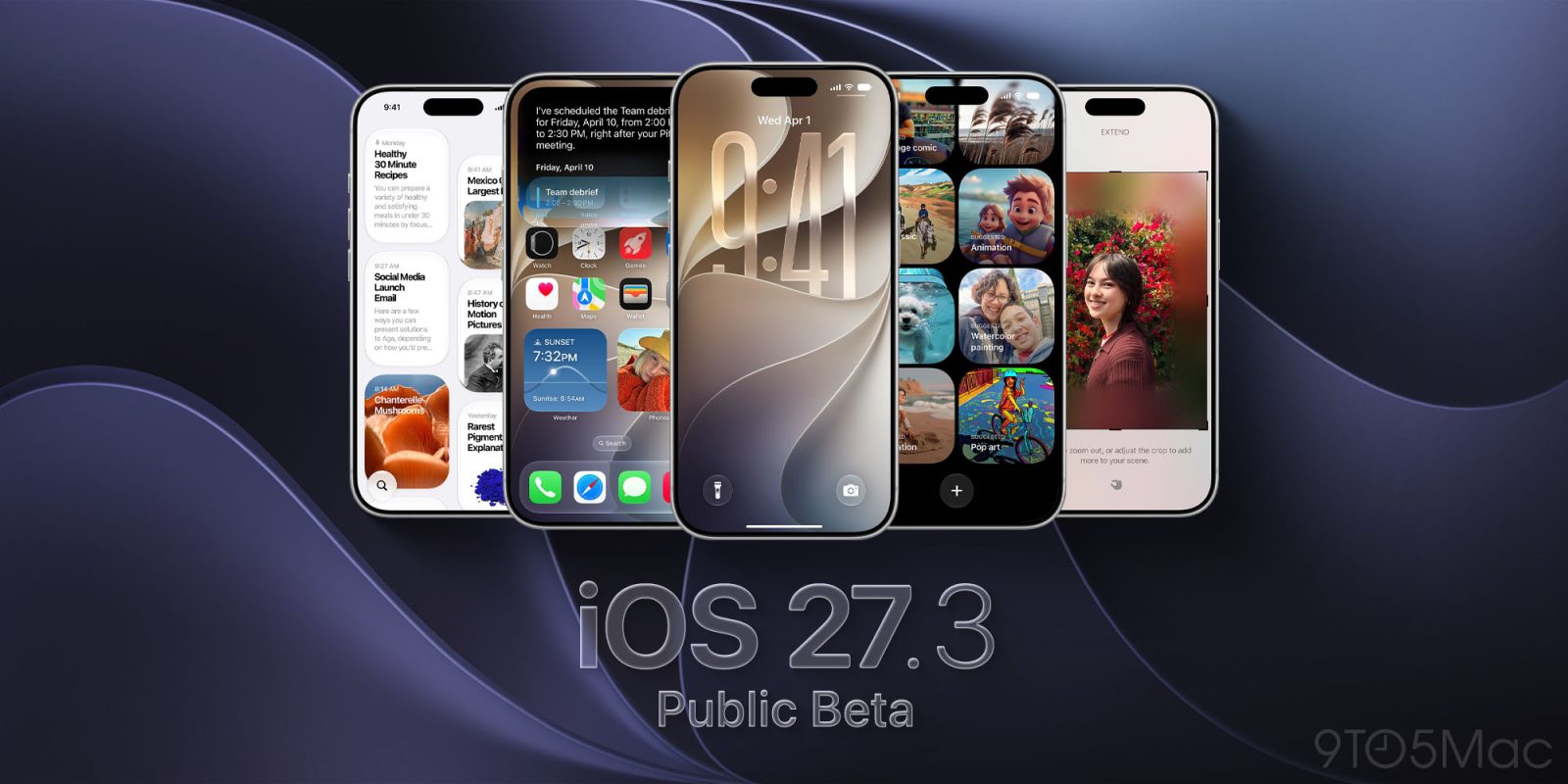
Apple released iOS 27.3 public beta 2 for iPhone, alongside a new build of developer beta 2, according to a November 19, 2026 report. The public release followed the second developer beta on November 18 and the first public beta on November 5.
The new beta adds several controls for iPhone Duo. Unlock with Front Camera works through the outer display’s selfie camera only while the phone is folded. Payments, passwords and app authentication still require Touch ID or a passcode, as does unlocking after 45 minutes without an unlock. A separate setting can lock the phone when it closes. Attention Aware can keep the outer display awake while you look at it and reduce the volume of some alerts; it does not require face unlock to be set up.
Elsewhere in this beta, Calendar moves its search and new-event controls to the bottom of the app. Siri can answer questions about Health data, including steps, heart rate and activity rings, and can use an entire Safari webpage as context, even sections not yet scrolled into view. The Apple TV app adds video podcasts and a feed of vertical clips from Apple Originals. Apple News+ puzzles expand to Australia, French Canada and the UK, with availability varying by region.
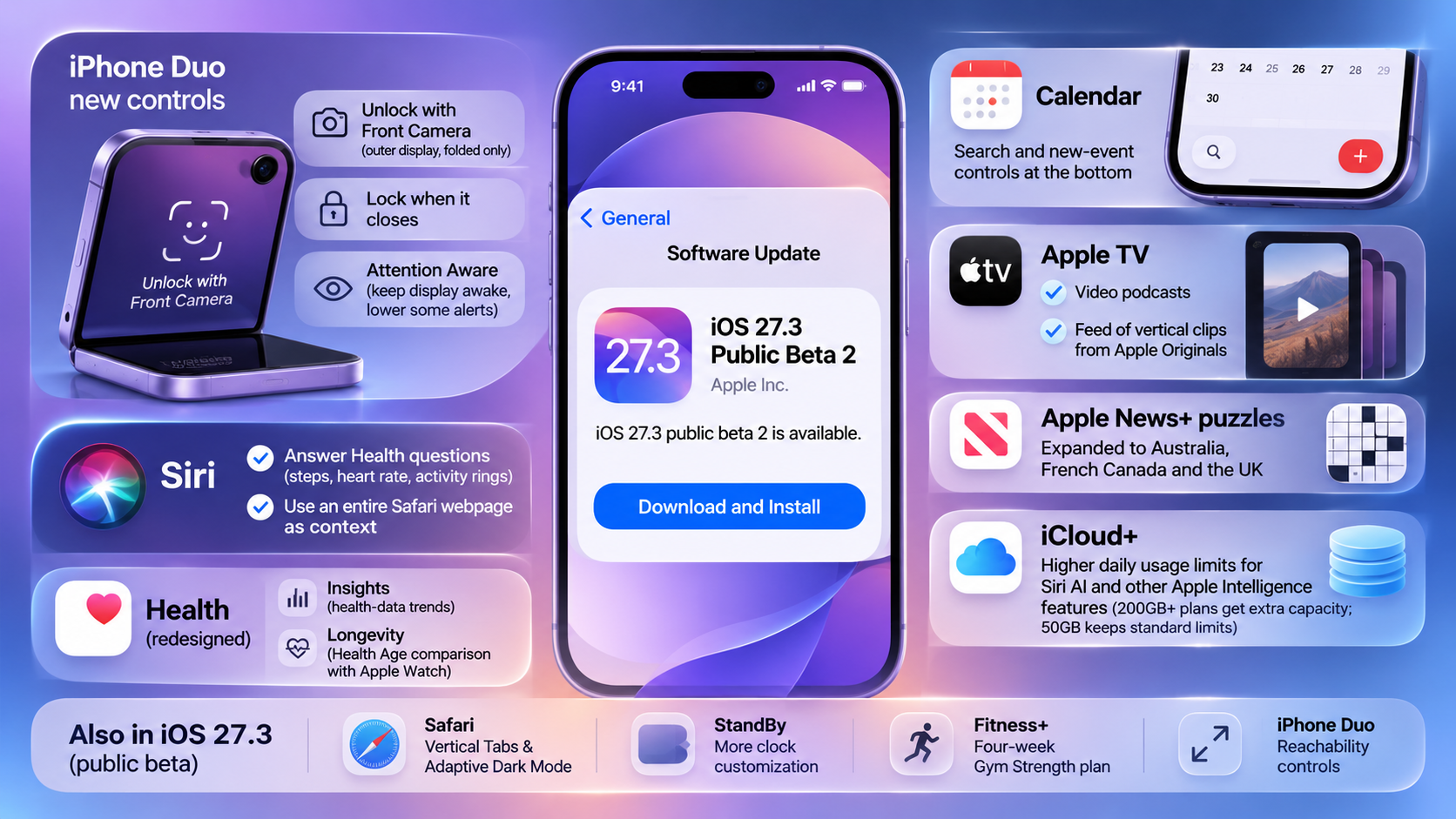
Apple has also detailed higher daily usage limits for Siri AI and other Apple Intelligence features on eligible iCloud+ plans: plans with at least 200GB receive extra capacity, while the 50GB plan retains standard limits.
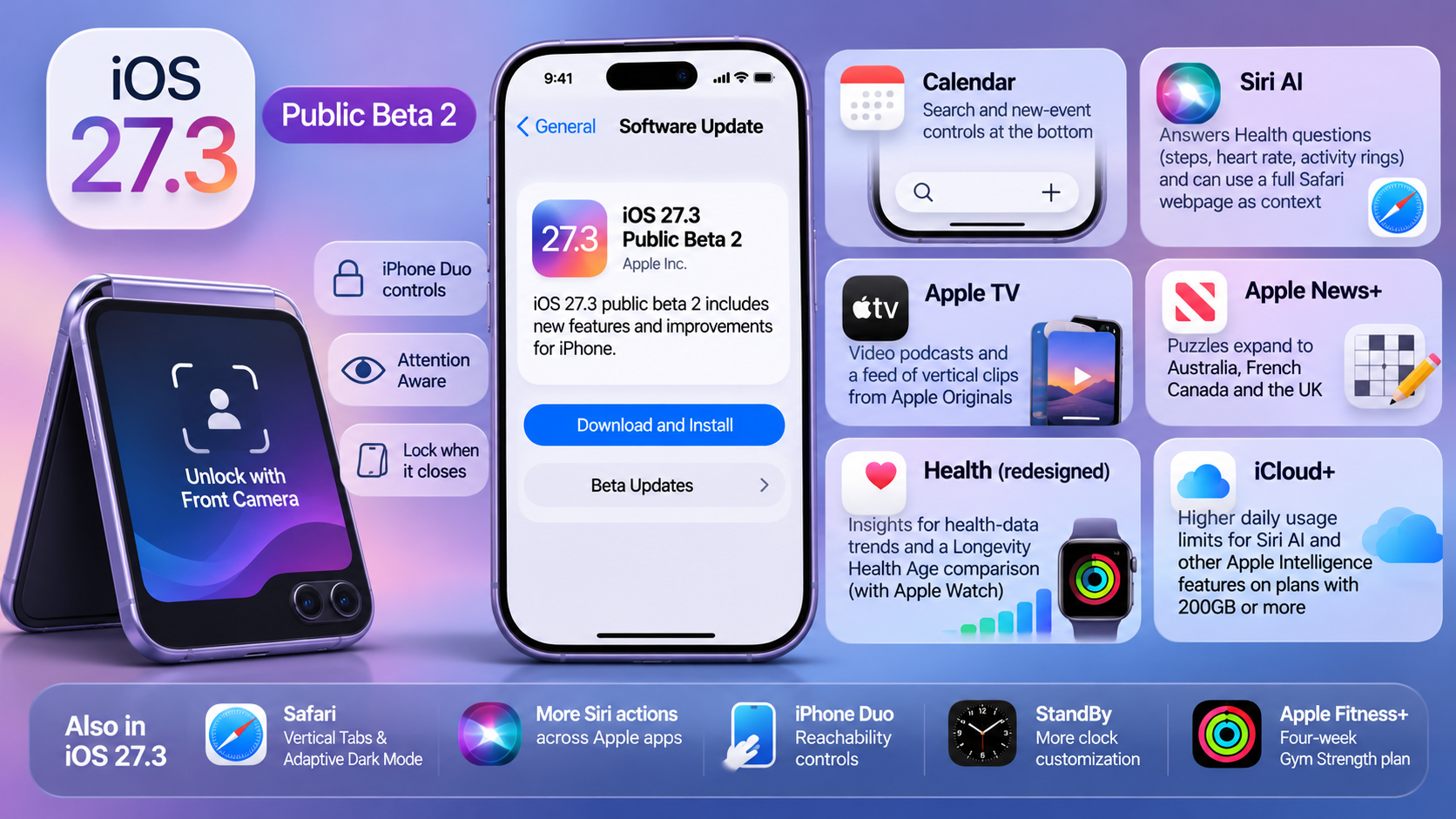
Features already introduced in the first public beta include the redesigned Health app. On iPhones that support Apple Intelligence, its Insights feature collects health-data trends, while Longevity offers a Health Age comparison based on Apple Watch measurements. Earlier additions also include Safari’s Vertical Tabs and Adaptive Dark Mode; more Siri actions across Apple apps; iPhone Duo Reachability controls; additional StandBy clock customization; and a four-week Gym Strength plan in Apple Fitness+.
Existing public-beta testers can check Settings → General → Software Update. First-time testers should back up their iPhone, enroll in the free Apple Beta Software Program with their Apple Account, then select iOS 27 Public Beta under Settings → General → Software Update → Beta Updates before returning to Software Update to install the beta.