
Originally reported by IT之家 on November 11, 2026.
Microsoft announced on November 10 that Automatic Super Resolution (Auto SR) is rolling out to Xbox Ally X and Xbox Ally X20 handhelds, along with some AMD Ryzen-powered Windows Copilot+ PCs. On the Xbox Ally X, Auto SR can now be used in handheld mode on battery power; when Microsoft began testing it on the device in April 2026, it required the handheld to be docked. Support for 1080p games is also rolling out.
Auto SR uses image processing and AI to upscale Windows games while reducing the need to render at the display’s native resolution. Microsoft cautions that performance in handheld mode with 1080p games may be less favorable than with other settings, though it says some older games can still show a noticeable improvement in image quality.
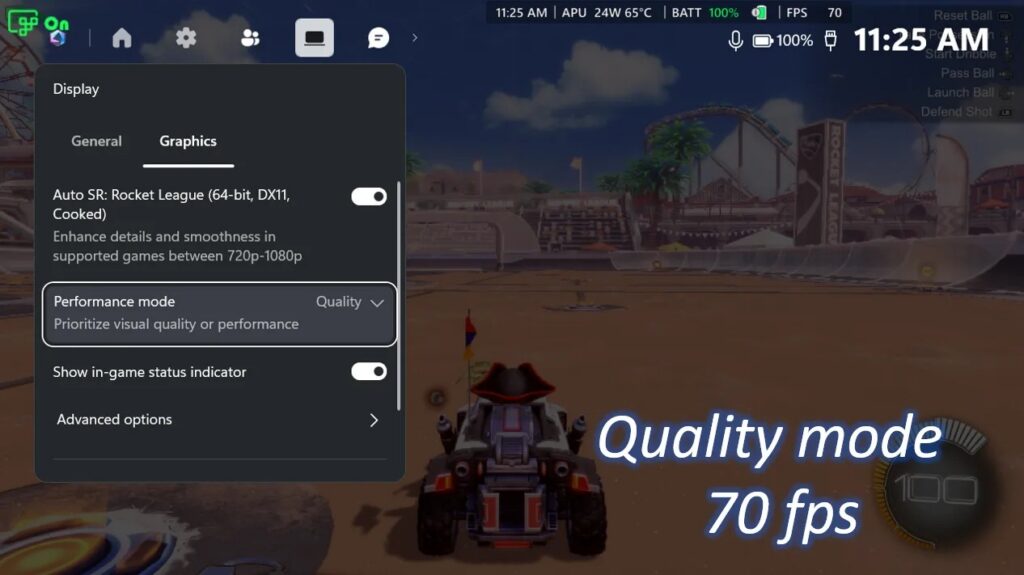
A new Performance Mode raises Auto SR’s frame-rate cap from roughly 60–75 FPS to 120 FPS. In Microsoft’s Rocket League demonstration on a ROG Xbox Ally X at 720p and high graphics settings, Quality Mode averaged about 70 FPS, versus about 115 FPS in Performance Mode. Those are Microsoft’s demonstration results, not a general performance guarantee. The update will also allow Auto SR and Windows Auto HDR to run together on a compatible HDR display; the article says this applies to the ROG Xbox Ally X20 as well.
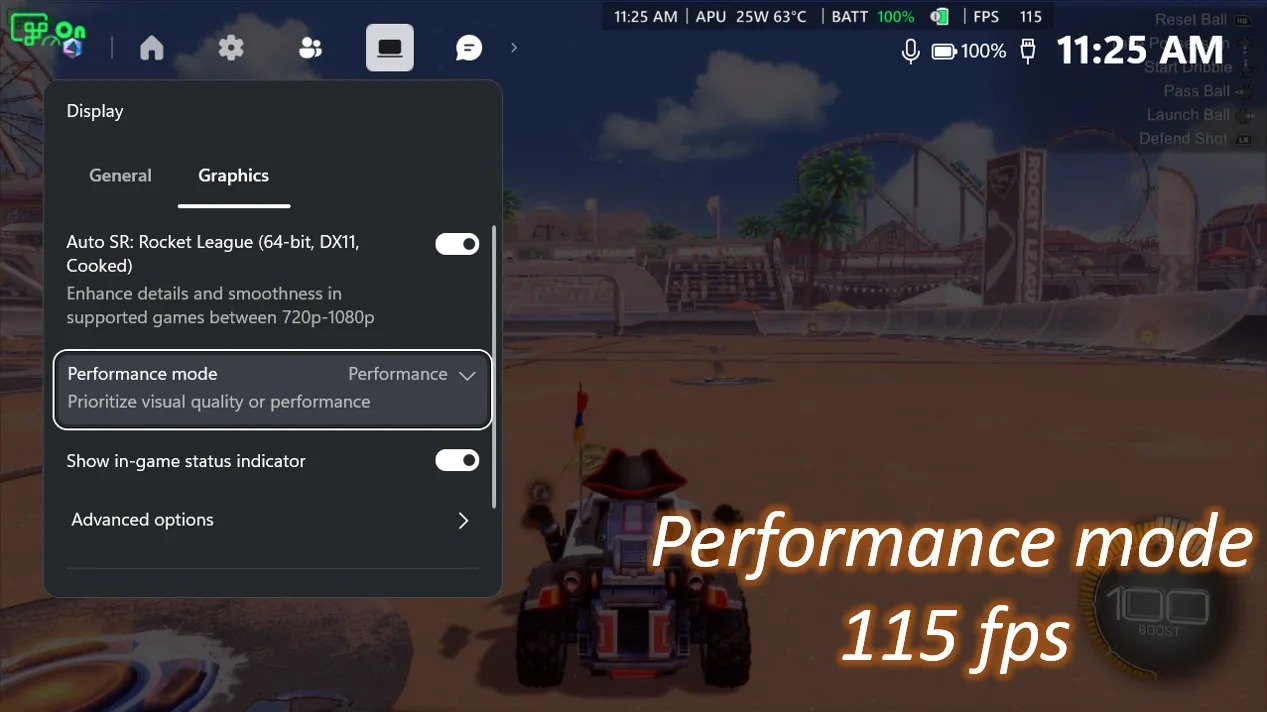
These features are not arriving at once. Handheld mode, 1080p game support and support for some AMD Ryzen Copilot+ PCs have begun rolling out. Performance Mode and Auto HDR compatibility are due through later Windows updates, so they may not yet be available on every device.
According to Microsoft’s DirectX blog instructions cited by IT之家, users should update Xbox Game Bar, install the latest Windows 11 updates, and download or update the Auto Super Resolution Package from the Microsoft Store. Available modes can then be selected in Xbox Game Bar under Widgets → Display → Graphics, including while a game is running.
Source: ithome.com (originally published 2026-11-11 10:47 UTC+8)