
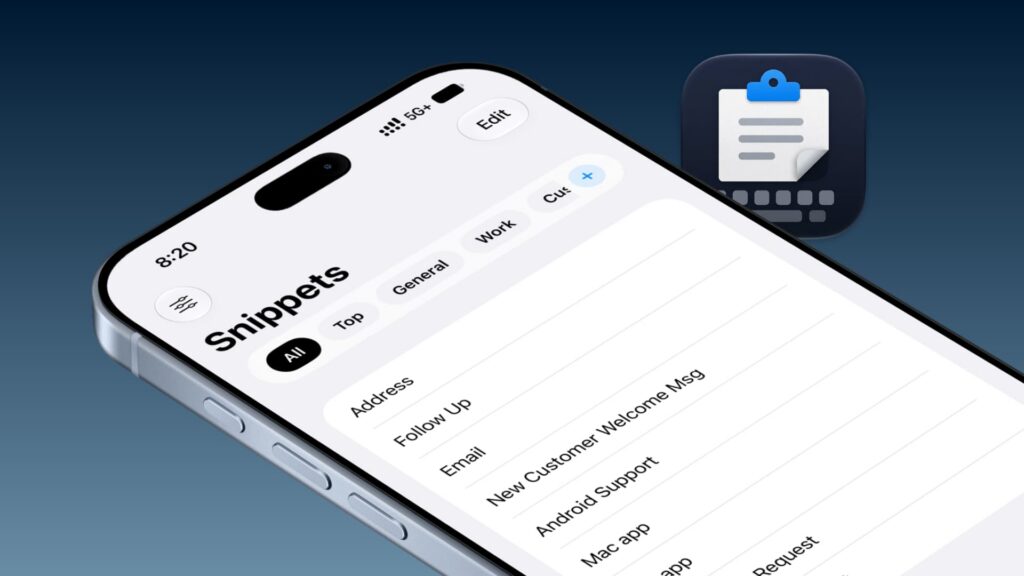
Paste Snippets added iCloud sync for saved text snippets, according to a November 22, 2026 report from the app’s developer, iDownloadBlog. The feature lets snippets appear across an iPhone, iPad and Mac signed in to the same Apple Account, replacing the need to export and import them manually between those devices.
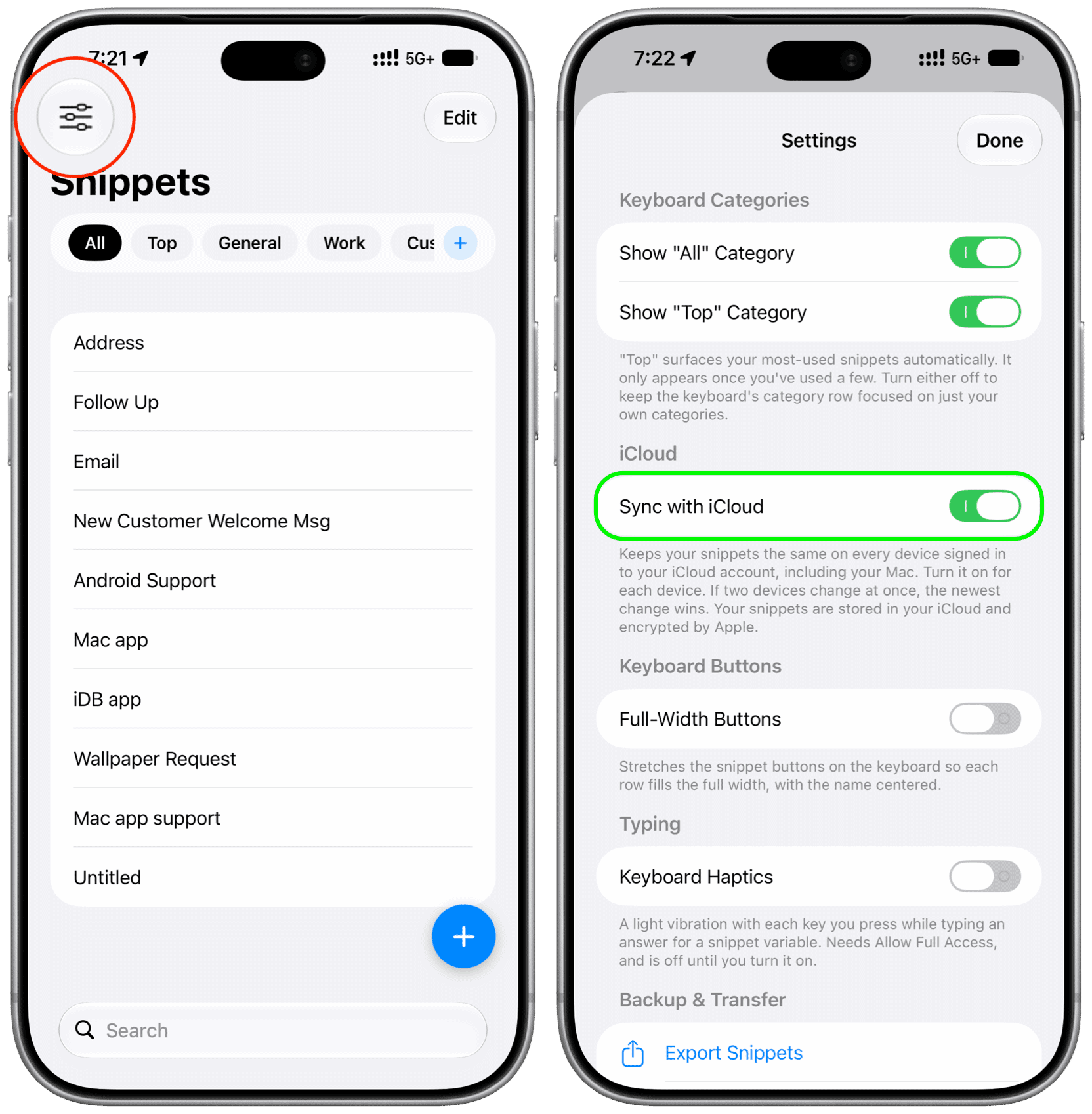
To set it up, update Paste Snippets from the App Store on each device. Open the app’s settings and enable Sync with iCloud on every device you want to include. Snippets already saved on an iPad or Mac will also sync to the other devices.
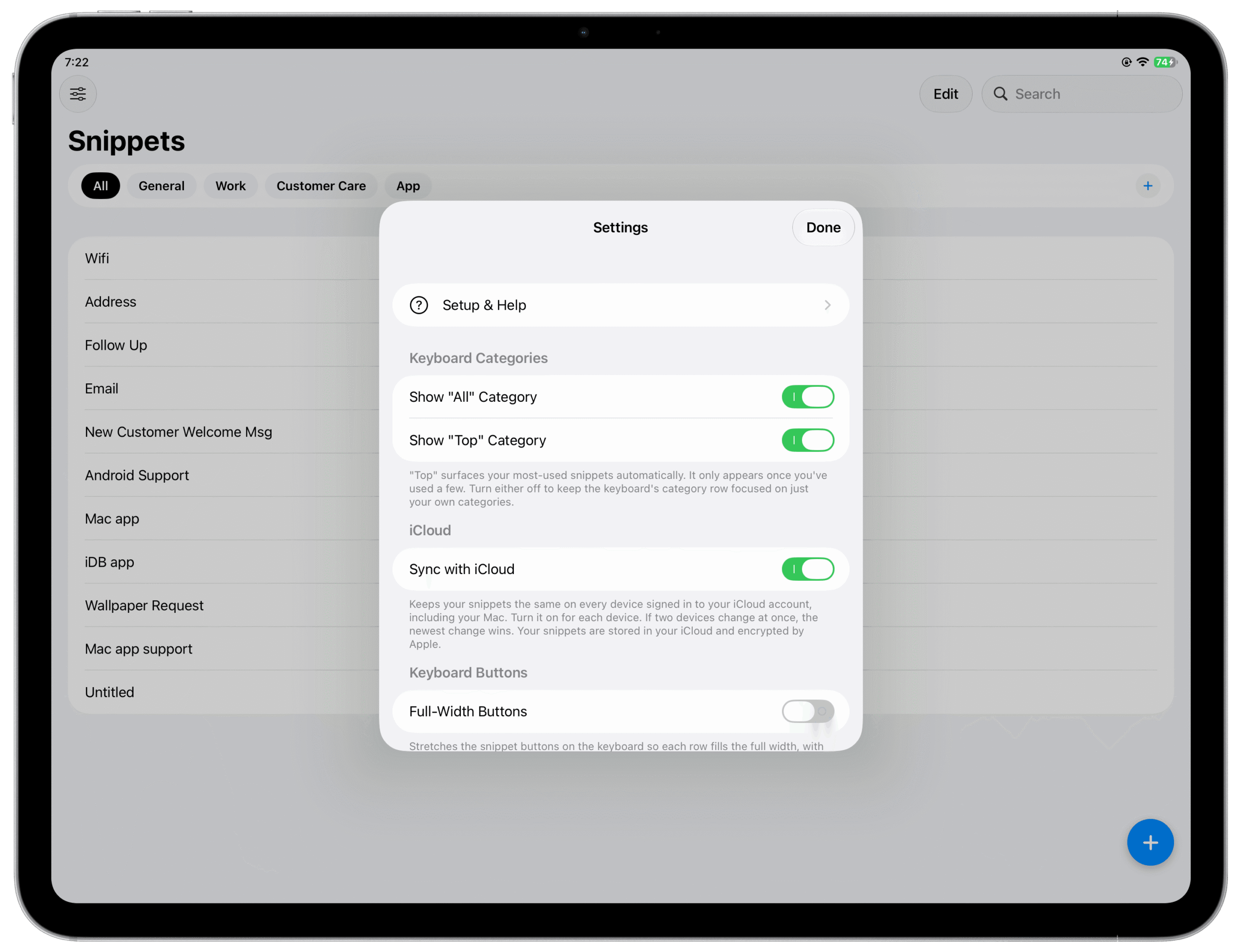
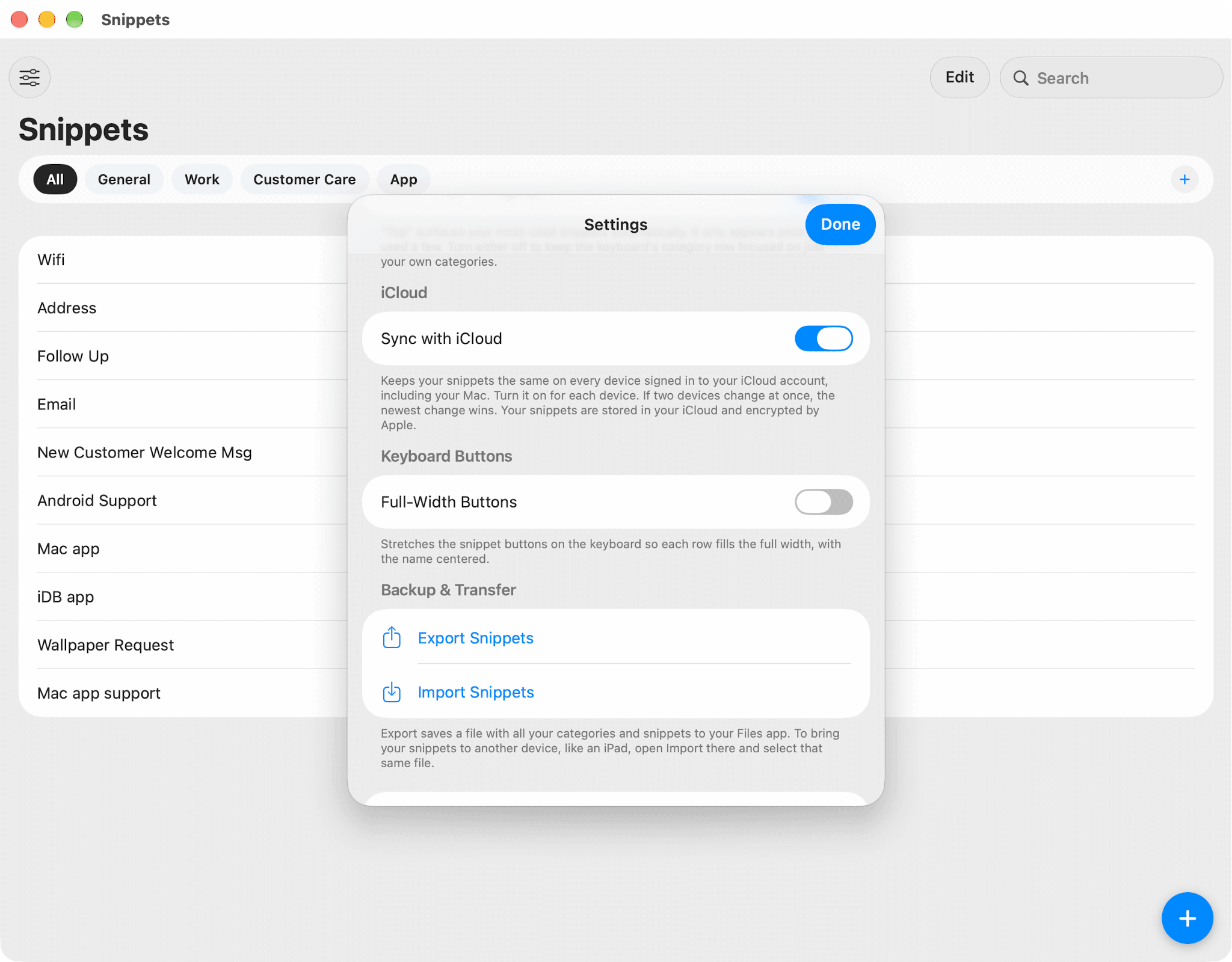
Changes and deletions sync too. The app’s feature description says that if two devices change a snippet at once, the newest change wins. It also says snippets are stored in the user’s iCloud account and encrypted by Apple; that is the developer’s description, not an independently verified security assessment.
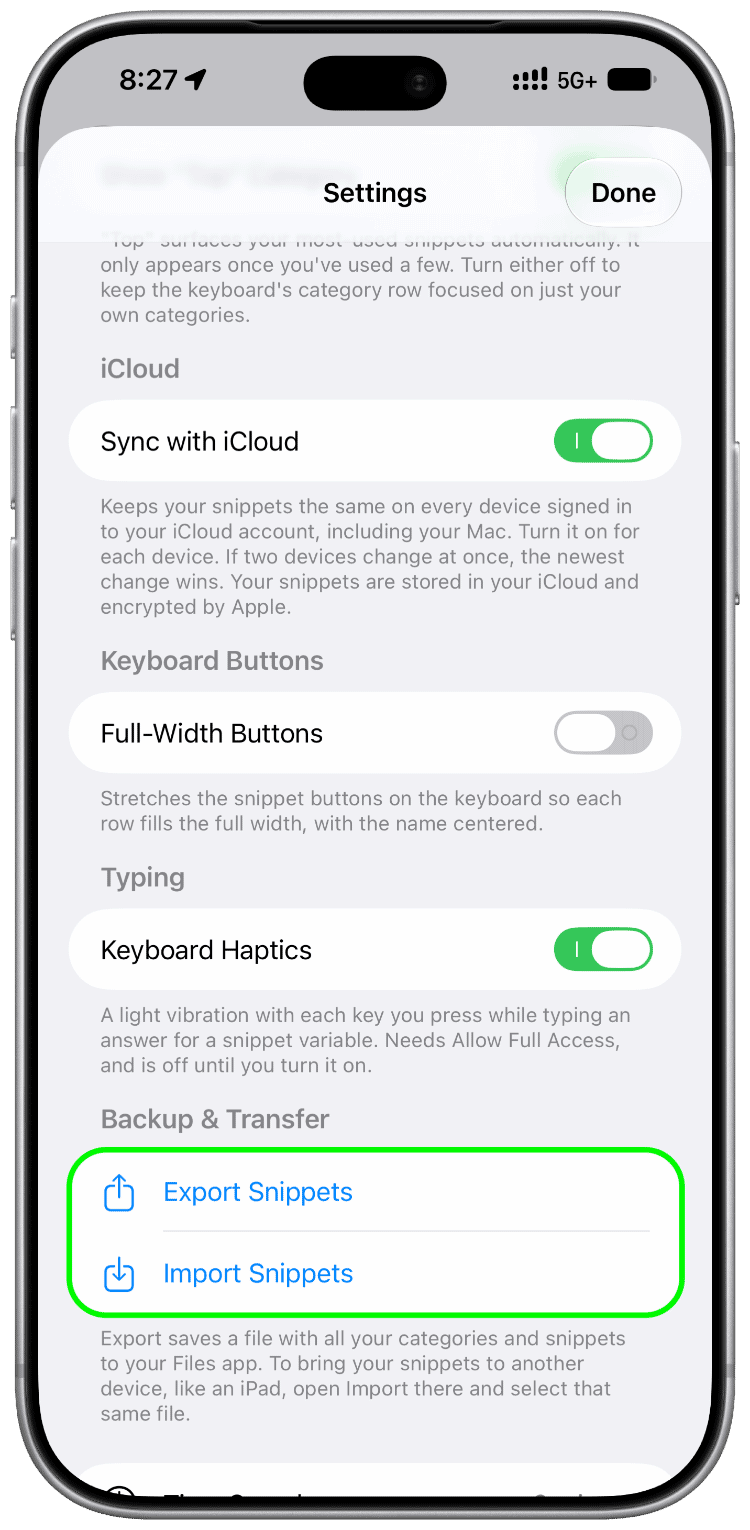
Manual export and import remain useful when devices do not share an Apple Account. Export can also create a JSON file for an offline copy. The same app update adds options to hide the automatically created All and Top categories, use full-width buttons, and enable subtle keyboard haptics.